Contents
In one of our projects a production release carried over a block from the test server. In another, closed CSS and JavaScript folders stopped the search engine from rendering the page. Both show why you check the rules in force, and how resources load, after the file changes.
What does robots.txt control?
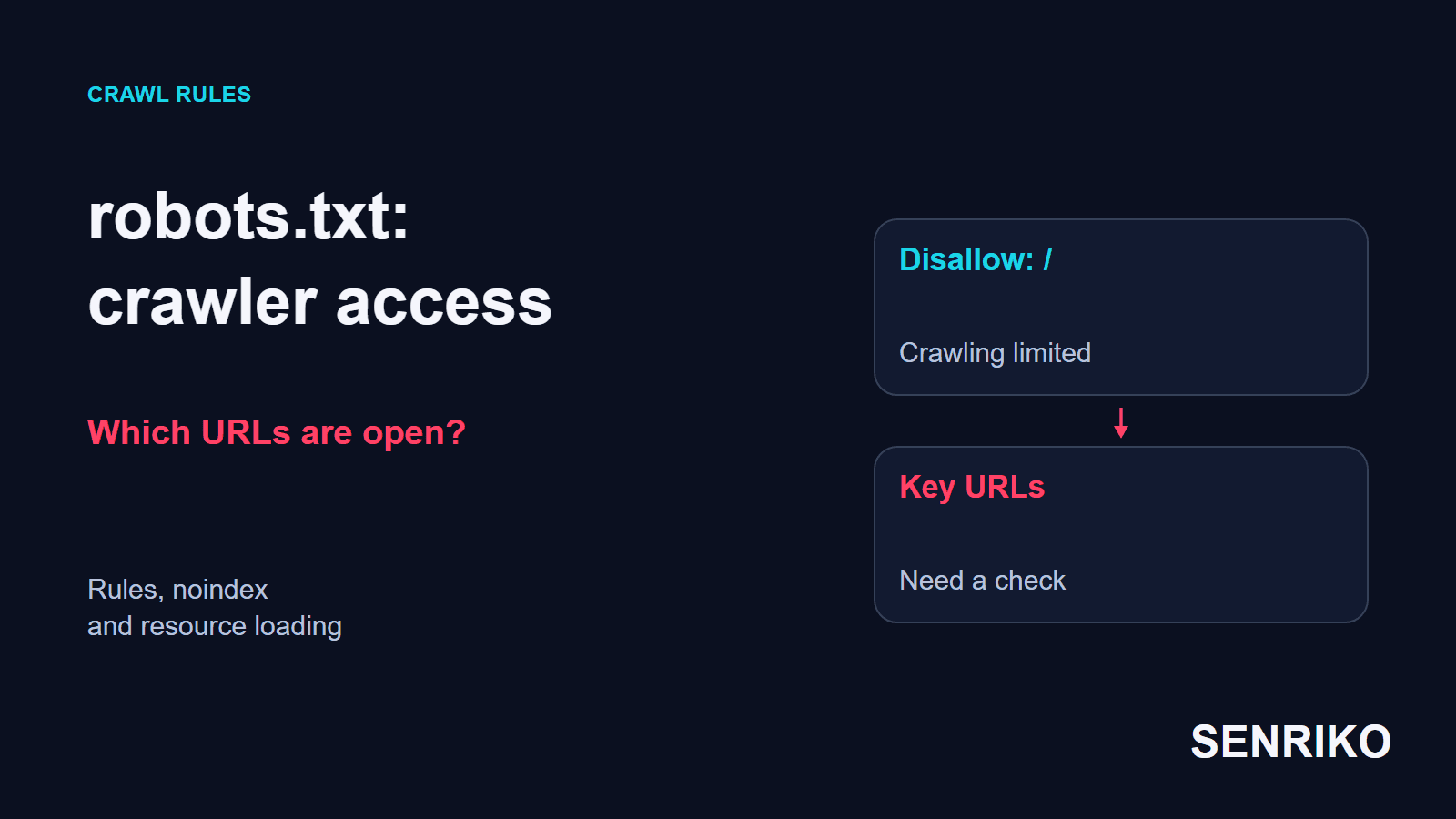
robots.txt controls which addresses crawlers may fetch. It sits at the root of the site, for example https://example.com/robots.txt, and holds rules for named groups of crawlers. Google’s guide to creating the file says it must be named robots.txt, must be a UTF-8 text file and must live at the root, and that a site can have only one.
The file’s effect is limited to the protocol, host and port where it is published. The rules in https://example.com/robots.txt do not extend automatically to api.example.com or to another protocol. Google’s specification states this, with the example that the file at https://www.example.com/ does not apply to https://example.com/.
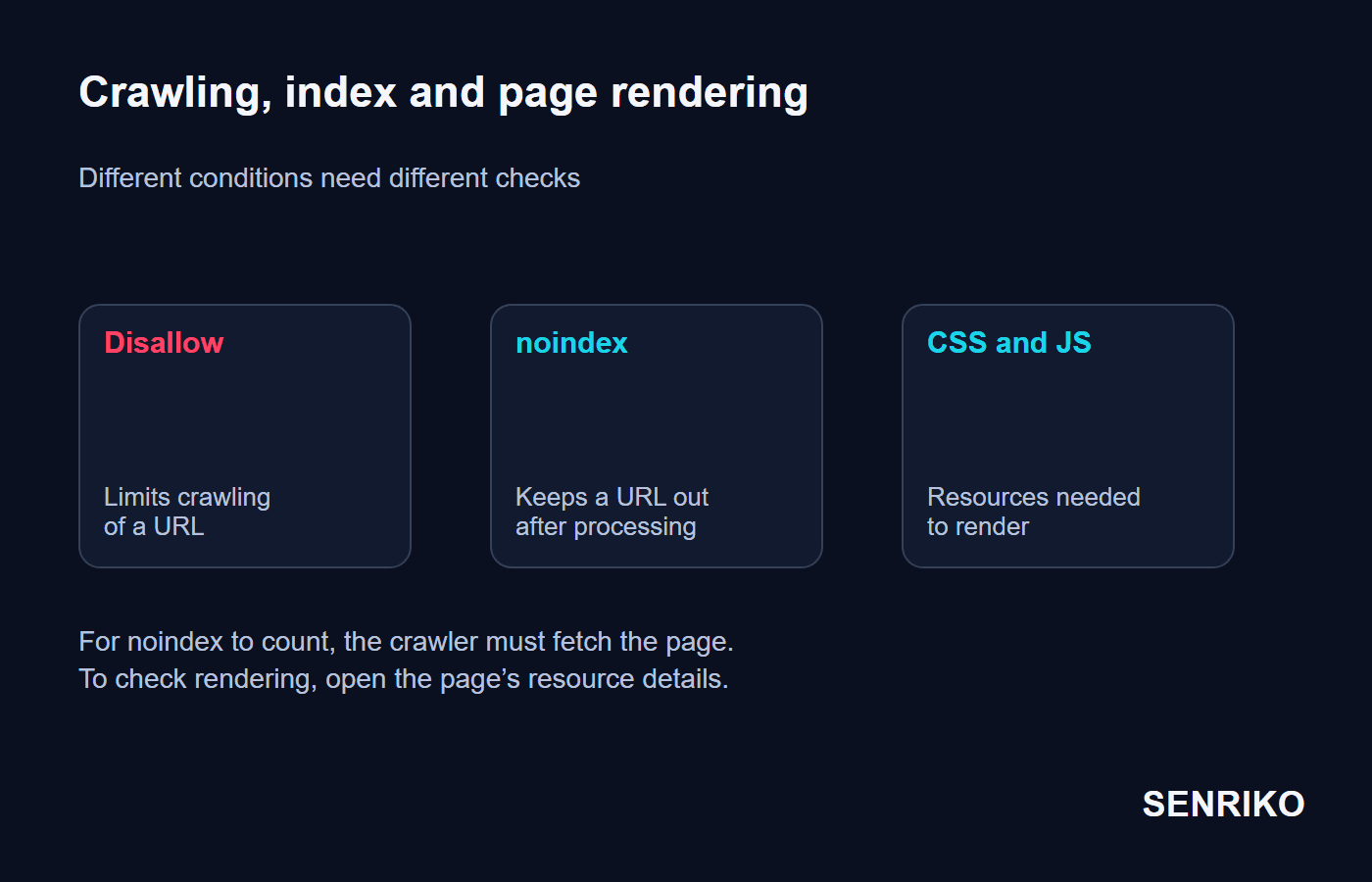
Disallow limits a crawler’s fetching of a URL. An address the engine already knows can stay in search, and Google’s introduction says plainly that a disallowed page can still be indexed if other sites link to it. Blocking the crawl is not, by itself, a command to remove a URL from the index.
To keep an accessible page out of search, use noindex in the HTML or in the matching HTTP header, X-Robots-Tag. The crawler has to receive the page to find the new instruction, and Google’s page on robots meta tags adds that a URL carrying such a rule must not be disallowed from crawling, or the rule will never be read.
For information that must stay closed, set up authorisation or another form of access control. robots.txt is public, and whether its rules are followed depends on the program making the request, so the file does not protect data from outsiders.
The file also has a size limit: Google enforces 500 KiB and ignores what lies beyond it.

robots.txt setup: which rules should you use?
First decide which addresses must stay reachable, and only then add the blocks. Each rule should have a clear object: one URL, a directory or a group of addresses.
| Rule | What it does |
|---|---|
User-agent | Names the group of crawlers the rules that follow apply to |
Disallow | Blocks crawling of the matching path |
Allow | Permits crawling of a path, for example an exception inside a closed directory |
Sitemap | Gives the full address of the sitemap |
For example, a service directory is closed, but a public help section inside it has to stay reachable:
User-agent: *
Disallow: /internal/
Allow: /internal/public-help/
Sitemap: https://example.com/sitemap.xml
In this structure /internal/public-help/ is a more specific match than /internal/, so the help section can be crawled. Google applies the most specific rule by path length and, when rules conflict, the least restrictive one, so with a matching Allow and Disallow of equal length the permitting one wins. Reordering the lines does not replace checking which paths match. The details are in Google’s specification.
Compare two entries especially carefully:
Disallow:
Disallow: /
An empty path blocks nothing, while / covers every path from the root in the group that applies. One stray slash changes the meaning of the whole rule.
Save the file as plain UTF-8 text with the exact name robots.txt. Check the User-agent group you chose: a particular crawler may have a separate set of rules. When you set it up, test real addresses at once, a catalogue, a product page, an article and resources, to see how they match.
Before you carry over another CMS’s template, compare its paths with your site. Under one directory name there can be service files, styles or important landing pages.
Two mistakes from our team’s practice
In both cases the site kept serving pages to visitors. The analysis began with the change to the rules and with what a search crawler could get after it.
A test file reached the live site
CaseAnonymous caseRelease through CI/CD
The staging block reached production
- What we saw
- After a big release the project’s organic traffic fell by 85% within a week and a half. In Google Search Console and Yandex Webmaster the number of messages about pages blocked in robots.txt grew.
- What we found
- The CI/CD pipeline had carried robots.txt over from staging to production, and the published file held the lines
User-agent: *andDisallow: /. - What was done
- The working version was restored from the Git history within ten minutes. The file’s generation was split by environment so that the test server’s settings would no longer overwrite the live ones. The team then resubmitted the sitemap and watched the recrawl. Recovery in this project was uneven and took from 2 to 4 weeks.
- 85%drop in organic traffic in a week and a half
- 10 minutesto restore the working file from Git
- 2 to 4 weeksof uneven recovery
Disallow explained the block on crawling, but it did not mean every address was bound to leave search at once. Likewise, submitting a sitemap does not force a search engine to recrawl every page immediately. In this case the point was first to restore access and then to check how search actually reacted.
Check the final file for the right environment and its content on the published site. If the file is already tracked in Git, adding it to .gitignore will not exclude it from the repository: Git’s documentation says files already tracked are not affected, and that git rm --cached is what stops tracking one.
A historical case: CSS and JavaScript closed to the crawler
CaseAnonymous caseHistorical case
CSS and JavaScript were closed to the crawler
- What we saw
- This case dates from about 2021 and 2022. To reduce crawling, the site closed the directories
/assets/and/wp-content/themes/. They held resources the pages need to render. Mobile positions got worse, and the Google mobile usability report that existed then showed rendering problems. - What we found
- The team opened the Mobile-Friendly Test and saw HTML without its usual styles. The crawler was not getting the closed CSS and JavaScript, although visitors’ browsers loaded them. The problem was found on the fifth day after the rules changed.
- What was done
- Access to the static files was fixed and the important URLs were sent for recrawl. Correct rendering appeared in the checks about two days later, and positions in this project recovered in about a week and a half.
- fifth daywhen the error was noticed after the rules changed
- about 2 daysto correct rendering in the checks
- about a week and a halffor positions to recover
Since December 2023 the Mobile-Friendly Test and the Mobile Usability report are closed. Today a similar problem is checked with the current tools for viewing a URL and its resources, which the checks below describe.
Check that the rules match the exact paths of the CSS and JS. A general Allow for an extension can lose to a more specific Disallow on a directory. After the change, open the check for those addresses and make sure the resources needed are available to the crawler.
How do you check robots.txt after publishing?
Check the published file, the important URLs and the resources of the page. No syntax error does not yet prove that the address you need has stayed reachable.
Open /robots.txt on the live host
Make sure the server returns the text you expect, not an HTML page, a login or a failure message, and check the response code. A server error on the file itself changes crawling: Google’s specification says that for the first 12 hours it stops crawling the site while it keeps trying to fetch the file, then uses the last good copy for up to 30 days, and what follows after that depends on whether the rest of the site is available. Our article on 500 errors covers finding the cause.
Work out which group applies to the crawler you care about
Check the root, the commercial pages and the URLs that match your
Allowexceptions.Use the robots.txt report in Search Console
Google’s robots.txt report lists the files it found for your top hosts, the fetch status of each and the parsing issues. Compare the file you are testing with the published version and with what the search engine reports.
Run the URL Inspection tool on a page of the site
In Google Search Console open URL Inspection and test the live URL. In the tested page’s details look at the screenshot and the information about loaded resources, and check the CSS and JS the rendering depends on.
Compare the live test with the indexed data
The first shows the current state of the URL you tested; the second belongs to the search engine’s last processing.
The URL Inspection documentation describes viewing the tested page, its screenshot, HTML, HTTP headers and loaded resources, and notes that a screenshot is available only for a live test with a successful result. If a resource is blocked, check its own address and the rules of the host it comes from. A file on the main domain does not control a separate CDN domain.
If you need to exclude a page with noindex, check its HTML or HTTP headers separately and whether a crawler can load it. If the task is to restore rendering, check the resources. These checks help tell a block on crawling from a block on indexing and from an incomplete render.
The live test and the index data belong to different moments. After the fix, follow when the search engine processes your important pages again and what results appear in its reports.
How do you protect the rules from the next release?
Separate the test and live environments’ configuration. After the build and publication, read the file from the live server: between the version in the repository and the actual response there can be generation, caching and routing.

Keep a list of the addresses that must stay open: the main landing pages, the catalogue and the necessary resources. After a release, check them against that list and compare the rules with the previous working version. That way a change to /assets/, or a general Disallow appearing, is caught before you have to analyse a fall in traffic.
Add your key pages to SENRIKO. It reads your robots.txt and sitemap on a schedule and reports a file that has gone missing, a line with a syntax problem, a Disallow: / that closes the whole site, and a noindex or canonical problem on the pages it watches, while availability monitoring shows separate technical failures. Fixing the file is the site team’s job, and whether a URL gets into the index is judged by the search engine’s reports. For regular control, add the pages that bring visitors from search.
Frequently asked questions about robots.txt
Does Disallow remove a page from Google?
Can robots.txt hide private pages?
Where does robots.txt have to be placed?
How big can robots.txt be?
How do I stop a staging robots.txt reaching production?
Sources
- Create and Submit a robots.txt FileGoogle Crawling Infrastructure
- How Google interprets the robots.txt specificationGoogle Crawling Infrastructure
- Introduction to robots.txtGoogle Search Central
- Robots meta tag, data-nosnippet, and X-Robots-Tag specificationsGoogle Search Central
- URL Inspection toolSearch Console Help
- robots.txt reportSearch Console Help
- The role of page experience in creating helpful contentGoogle Search Central Blog
- gitignore DocumentationGit
- Pricing and levels of checksSENRIKO