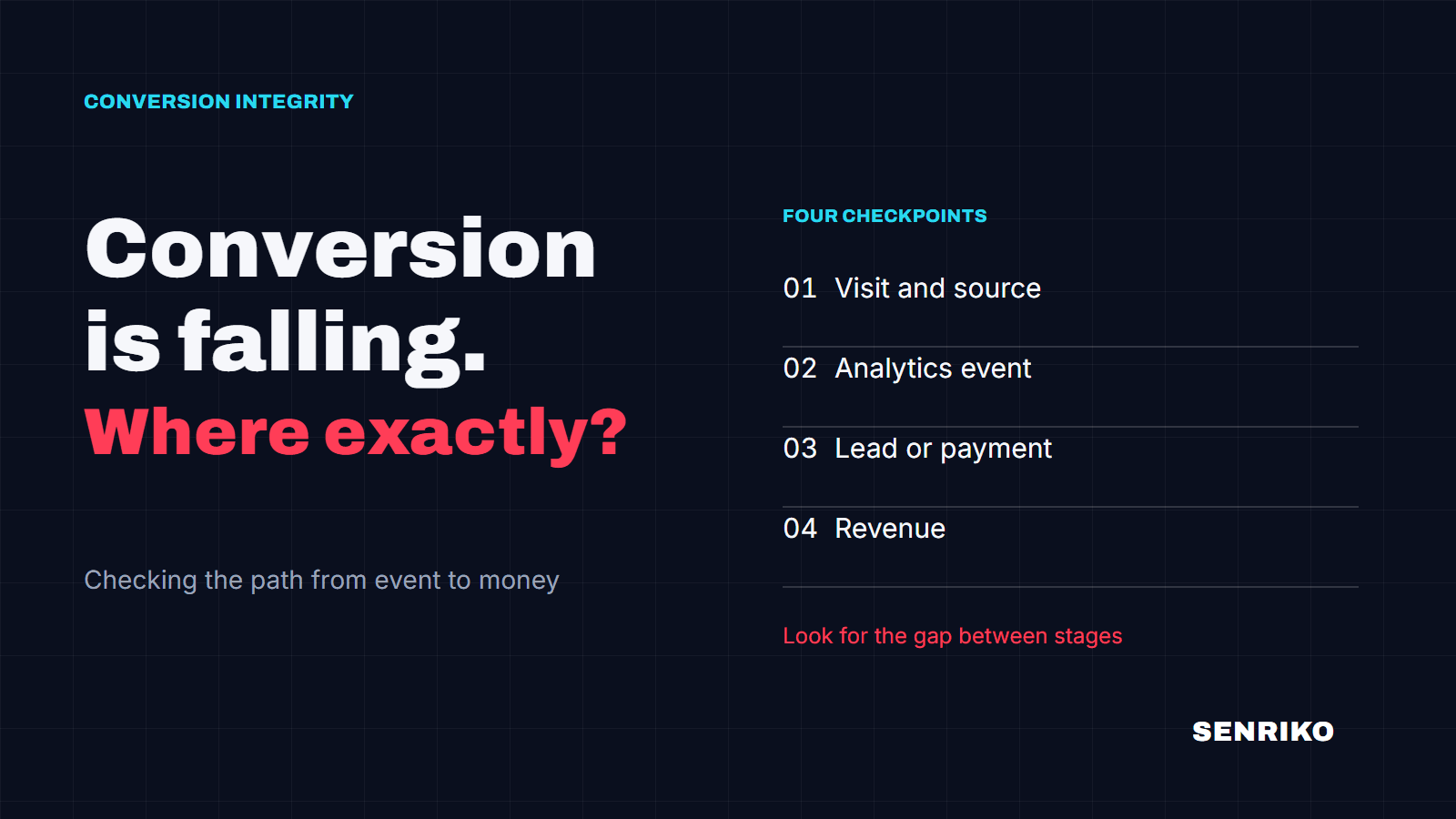
Is your conversion tracking actually recording anything?
This reads one page of your site and reports what it can see. It never submits anything, and it never claims more than it observed.
What we actually look at
One request, to the one page you named - the same request any visitor's browser would make. We read what came back and report ten observations:
- The page itself, and bot protection
- Whether the address answered at all, and whether something answered instead of your page. A checker that hit a CAPTCHA wall and reported “no tags” would be lying about your site; we report the wall.
- Google Tag Manager, Google Analytics 4, the Google Ads tag
- The three carriers most conversions ride on. Where an id is readable - a GTM- container, a G- measurement id, an AW- account - we show it, so you can compare it against the one you meant to install.
- Meta Pixel
- Same treatment: present, and with which id, when the id can be read.
- A Google Ads conversion on this page
- Distinct from the tag. The tag being loaded and a conversion being configured to fire here are two different facts, and sites lose money in the gap between them.
- Forms, and whether submitting one records anything
- We look for forms and for the wiring that would turn a submission into a recorded conversion. Looking is all a passive check can do - see the honest part below for why.
- Cookie consent
- Whether a consent banner governs the tags. A tag held back until consent is not a missing tag, and telling those apart is most of the reading.
How to read the four answers
Every observation gets one of four words, and each is chosen to claim exactly as much as we saw:
- Detected
- We saw it, id and all. The strongest thing a passive check can say.
- Likely configured
- The shape is there but the id was not readable from the markup - common when a tag manager assembles things at runtime. Present, almost certainly; verified, no.
- Not observed
- Not on this page as it was served to us. This is a statement about one page and one request - not a verdict that the thing does not exist. The section below lists the ordinary reasons something real still reads as “not observed”.
- Unable to verify
- Something kept us from an honest look - bot protection, a page that would not load, markup we could not read. We would rather say this than guess.
“Not observed” is not “broken”
Four ordinary setups make a working tag invisible to a single passive request:
A tag manager loads it later. GTM often injects GA4 or the Ads tag at runtime. We may see the container and not what it carries.
It fires from your server. Server-side tagging and Meta's Conversions API send events from your backend. Nothing about them is visible in the page, by design - which is also why we say “may be sent from your server” instead of “missing”.
Consent holds it back. A correctly wired banner keeps tags silent until the visitor answers. Our request never answers a banner, so we see the held-back state - which is your site behaving well.
It lives on another page. A conversion configured on your thank-you page is invisible on your landing page. We read the one address you gave us.
If none of these fits and the tag should be right here on this page - then “not observed” is worth your attention. That is the reading this tool exists for.
Questions people ask before pressing the button
Is it safe to point this at my site?
It is one GET request with our named user agent, the same weight as one visitor opening one page. It submits nothing and stores nothing - not the address, not the result. Ten checks an hour per visitor, so it cannot be used to hammer anybody.
Can I check a specific page, not just the homepage?
Yes - paste the full address. For conversion questions the page that matters is usually the one with the form, or the thank-you page, not the front door.
Everything says “not observed”, but my ads work. Which of us is wrong?
Possibly neither. The section above lists four setups where a working tag is invisible to a passive read - server-side tagging alone explains most of these cases. If your reports show conversions, trust your reports; use this page to learn where the recording happens.
Why does it ask nothing about my account?
Because it only reads what any visitor's browser is already given. Anything deeper - proving a conversion actually records - requires acting on your site, and acting on a site requires proof it is yours. That is the real check, and the only thing an account is for.
What would the real check add?
The submit. A monitored check fills your form with a clearly marked test identity, sends it, and watches whether the conversion signal actually fires - then keeps watching on a schedule, so the day it stops firing is the day you hear about it.
What this cannot tell you
Whether a form submission actually records a conversion is only answerable by making one - filling the form in, sending it, and watching for the signal that should follow. That means acting on your site, so it needs proof the domain is yours. That is the whole reason to sign up, and the only one.
This check reads; it does not act. It never fills a form, never clicks, never answers a consent banner, and sends nothing to your analytics - so your reports see no trace of it. The price of touching nothing is that everything which only shows itself when touched stays out of reach.
And it reads one page, once. A tag that loads for half your visitors, or only after the banner, or only on mobile, can honestly read differently on a different day. Treat the result as a photograph, not a diagnosis.
Verify my domain and run a real check
Nothing about this check is stored - not the address, not the result.