Contents
- What does ERR_TOO_MANY_REDIRECTS mean?
- How do you see the repeating address in the chain?
- Case: an SEO plugin and Nginx argued about a slash
- Case: the HTTPS and www rules sent visitors in a circle
- When does Cloudflare Flexible with HTTPS make a loop?
- How do you check the fix without losing UTM tags?
- Frequently asked questions about ERR_TOO_MANY_REDIRECTS
A loop can arise between the HTTPS and www rules, the CMS or the CDN. In our team’s cases different pairs of rules made it, and watching the hops themselves is what sorted them out.
What does ERR_TOO_MANY_REDIRECTS mean?
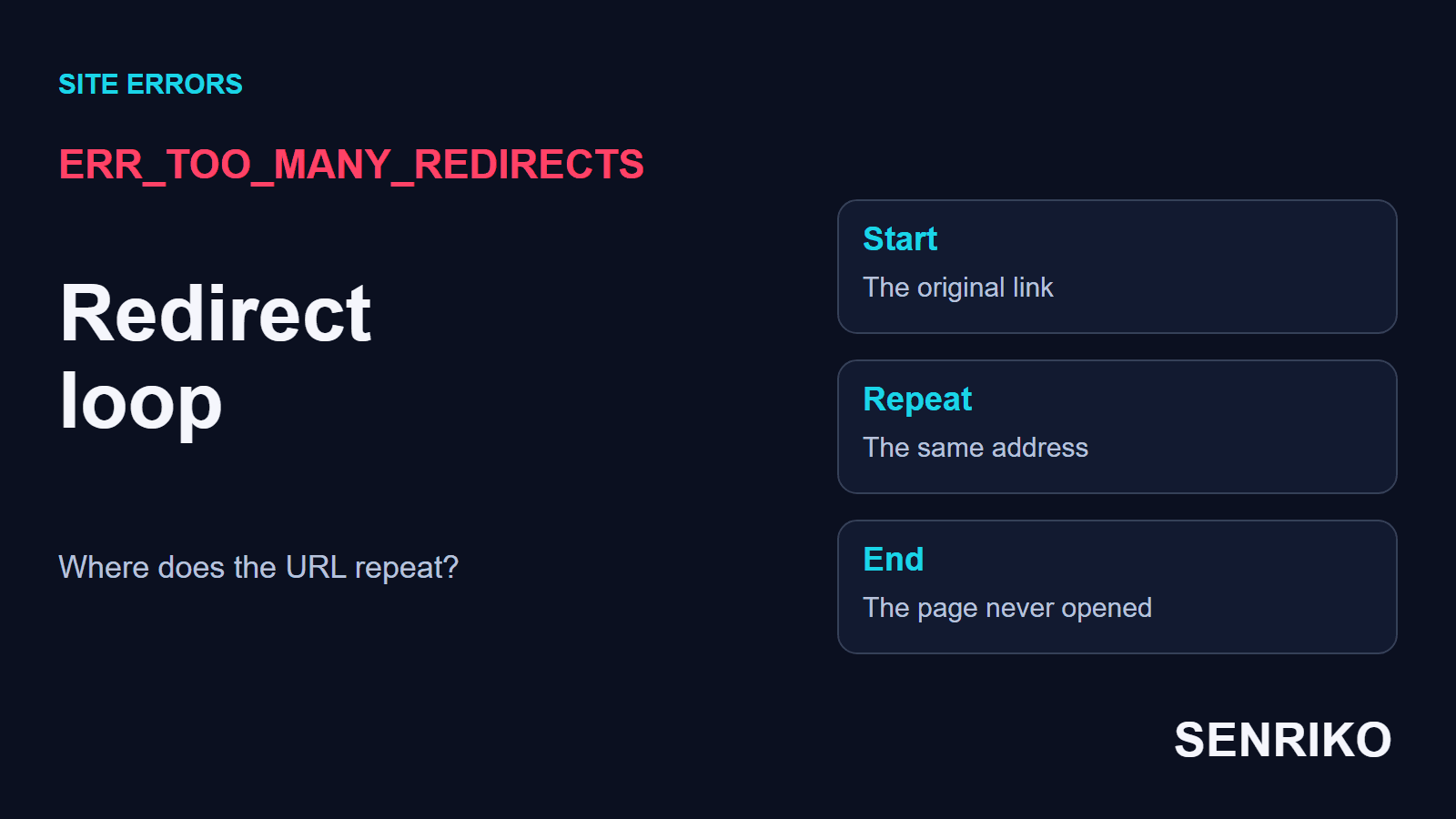
Chrome shows it as “This page isn’t working” with the line that the site “redirected you too many times”. Chromium’s list of network errors gives it the number -310: “Attempting to load an URL resulted in too many redirects”. An ordinary 301 or 302 tells the browser where to go next; the error comes when the hops lead back to an address already visited, or keep going without an end.
There is a hard limit behind it. The Fetch standard, which browsers follow, says that when a request’s redirect count reaches 20, the browser returns a network error. A loop reaches that count in a moment.
For example, /category is sent to /category/, and the next rule strips the trailing slash again. Both addresses exist in the settings, but the visitor never reaches the content. The browser’s message does not say which rule is the extra one; for that you need to see the sequence.
Check the full address, with the scheme, www, the path and the parameters. For a site behind a CDN, add the edge and the origin server to the picture. Redirects can happen on the server, in a script in the browser or through a meta refresh, and no one tool shows every kind the same way.
A working homepage does not guarantee the category or the payment page. If the loop affects one route, test that route. Clearing a browser’s data makes sense when the loop happens in one profile only; a loop on several devices means checking the site’s rules, not asking every visitor to clear their cookies.

How do you see the repeating address in the chain?
Start from the URL the visitor really followed. Write down each next address and its status until one repeats; the hops either side of the repeat show the clash of rules.
- Open Network in the developer tools, tick Preserve log and follow the original link. Write down the sequence of requests and their
Locationheaders if they are server 3xx answers; Chrome DevTools keeps the records across hops. - To check the server’s HTTP redirects, use
curlwith a cap on the number of hops:curl -I -L --max-redirs 10 https://example.com/categoryfollows the server’s answers and prints their headers. - Mark the first URL that repeats, and compare the scheme and the host name. If the browser shows a hop with no matching
Location, check the page’s JavaScript and meta refresh: a request a script makes after the document loads does not appear as one more 301 incurl -I, and needs the browser’s record. - Pair up the two conflicting rules: the server, the CDN, the CMS or a plugin. Work out who created each hop, then fix one source of the loop. A change at random can bring the page back now and make another loop later.
The command in the second step sends HEAD requests. If the site treats HEAD differently from an ordinary GET, compare the output with the browser and repeat the test with a suitable method. curl’s manual explains the options.
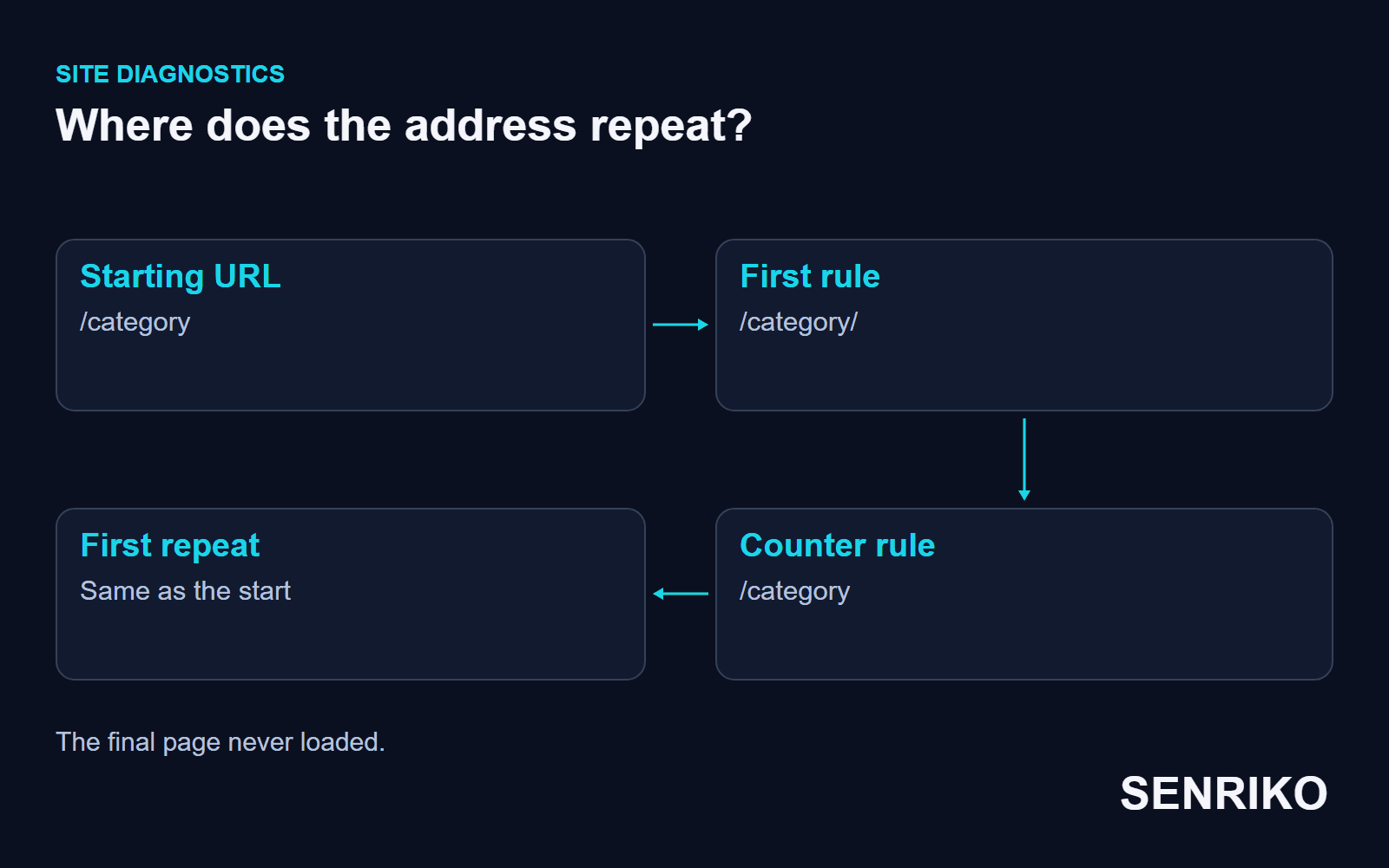
To hand the incident to a developer, the starting address, the pair of repeating URLs, their statuses and the time are enough. If the problem appears only after signing in, test before and after signing in; the difference tells you whether to look at cookies and a redirect rule for signed-in users. Describe those conditions without sharing a password or the session’s contents.
Case: an SEO plugin and Nginx argued about a slash
CaseAnonymous caseA site on a CMS behind Nginx
An SEO plugin and Nginx argued about a slash
- What we saw
- Every category page on the site stopped opening and went round in a redirect loop.
- What we found
curl -Ishowed a ping-pong: an SEO plugin in the CMS forced a trailing slash onto the address (/category/), while Nginx stripped the slash from every URL server-wide (/category).- What we did
- The slash-stripping rule in Nginx was turned off for the specific dynamic routes, and routing there was left to the CMS. The fix took 25 minutes; Google Search Console’s alerts caught the error quickly.
- every categorywent round in a loop
- 25 minutesto fix it
Case: the HTTPS and www rules sent visitors in a circle
CaseAnonymous caseA site after its domains were re-glued
The HTTPS and www rules sent visitors in a circle
- What we saw
- After the domains were re-glued, the site stopped opening altogether. A request to
http://domain.comwent tohttps://www.domain.com, and the nextserverblock sent the browser back to the version withoutwww. - What we found
- The team found the cause in
nginx.conf: twoserverblocks had been merged incorrectly. - What we did
- The rules were combined into a single 301: every address goes to HTTPS first, then one rule sends it to the main mirror. The whole job took 10 minutes.
- 10 minutesfor the whole job
When does Cloudflare Flexible with HTTPS make a loop?
In Flexible mode the browser connects to Cloudflare over HTTPS, while Cloudflare connects to the origin over plain HTTP. If the origin answers every HTTP request with a redirect to HTTPS, the request lands back in the same situation again and again. Cloudflare’s page names this as a typical source of the loop.
Our team met this configuration after an online shop moved to a VPS: the origin forced HTTPS, and Cloudflare was set to Flexible. After checking the settings, the mode was switched to Full (Strict); finding it and changing it took 20 minutes.
Cloudflare offers two ways out: remove the HTTPS redirects at the origin, or set the encryption mode to Full or higher, which needs a certificate on the origin. Before you switch to Full (Strict), make sure the origin accepts a secure connection with a valid certificate; otherwise, instead of the loop, visitors get Cloudflare’s 525 for a failed handshake or 526 for a certificate it cannot verify.
How do you check the fix without losing UTM tags?
Open the original address in a browser and write down the final URL. It should lead to the page the visitor followed the link for. Repeat with HTTP, HTTPS, and with and without www, only where those addresses really appear in ads or on the site.
Once the loop is gone, test the link with the campaign’s real parameters. The final URL and the landing event must match the route your analytics expects; a page that opens without its tags has not fixed the ad’s visit. Our guide to UTM parameters lost after a redirect sets out that check.
Keep the test address in SENRIKO’s availability monitoring to watch the page after the change; a page caught in a loop of redirects is reported as such. An outside check shows the result from its own vantage point, and the cause of a loop is fixed in the site’s or the CDN’s rules. How many pages you watch depends on the plan; start with the address that looped.
Frequently asked questions about ERR_TOO_MANY_REDIRECTS
What does ERR_TOO_MANY_REDIRECTS mean?
Will clearing cookies fix it?
Why does Cloudflare cause a redirect loop?
Why do only some pages loop?
How do I find which rule causes the loop?
Is switching Cloudflare to Full (Strict) safe?
Sources
- net_error_list.h: Chromium’s network error codesChromium
- Fetch Standard: HTTP-redirect fetchWHATWG
- ERR_TOO_MANY_REDIRECTSCloudflare SSL/TLS docs
- Network features referenceChrome DevTools
- curl man pagecurl
- Pricing and levels of checksSENRIKO