Contents
- What does ERR_SSL_PROTOCOL_ERROR mean?
- How is it different from a certificate error or a redirect loop?
- How do you check the exact HTTPS address as a visitor?
- Where do you look for the TLS failure on the server and the CDN?
- How do you confirm the secure connection is back?
- Frequently asked questions about ERR_SSL_PROTOCOL_ERROR
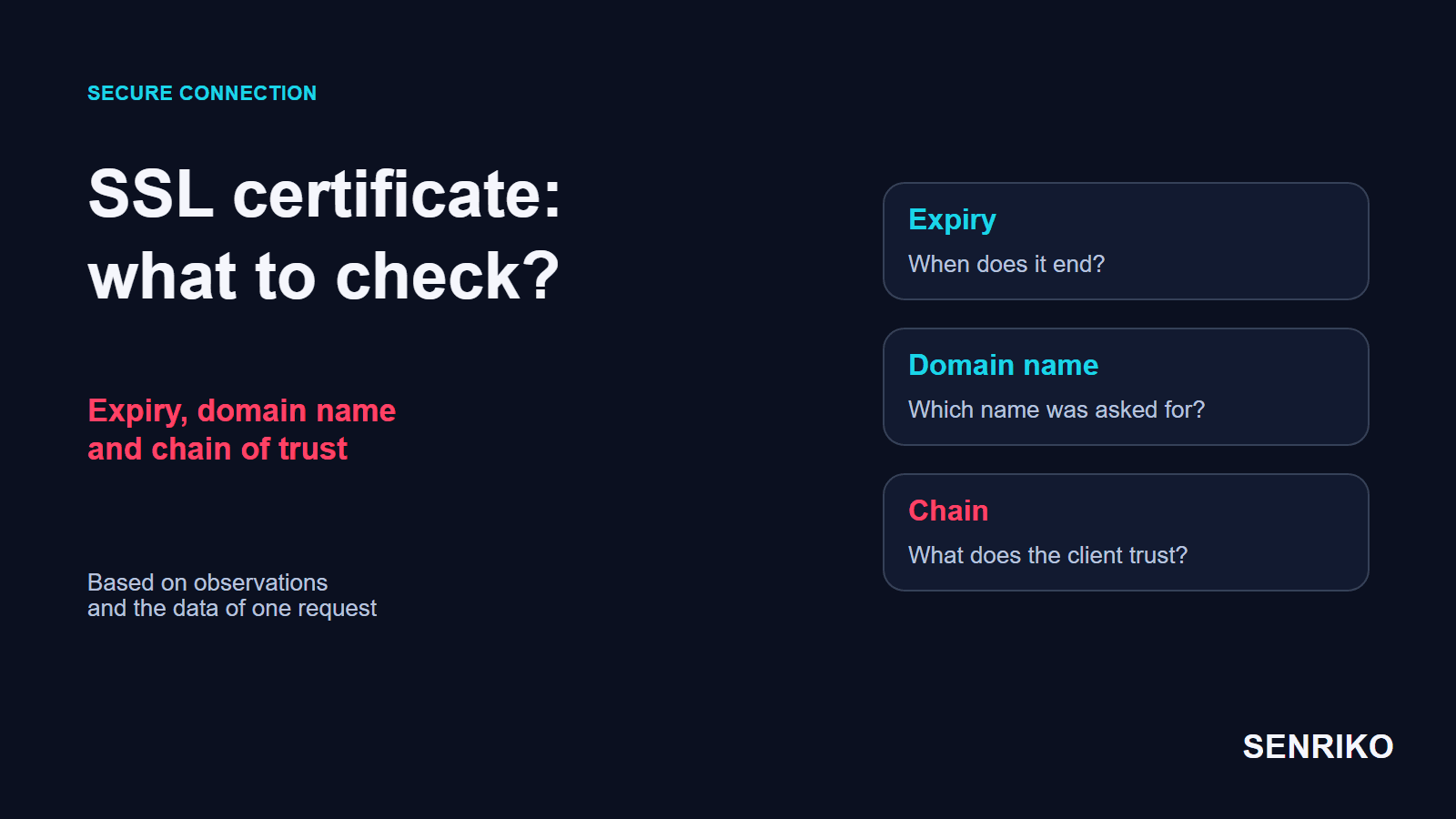
Start from the browser’s exact code and the address of the resource that failed. They tell you whether to check the TLS handshake, the certificate or a chain of redirects. After the fix, repeat the same step.
What does ERR_SSL_PROTOCOL_ERROR mean?
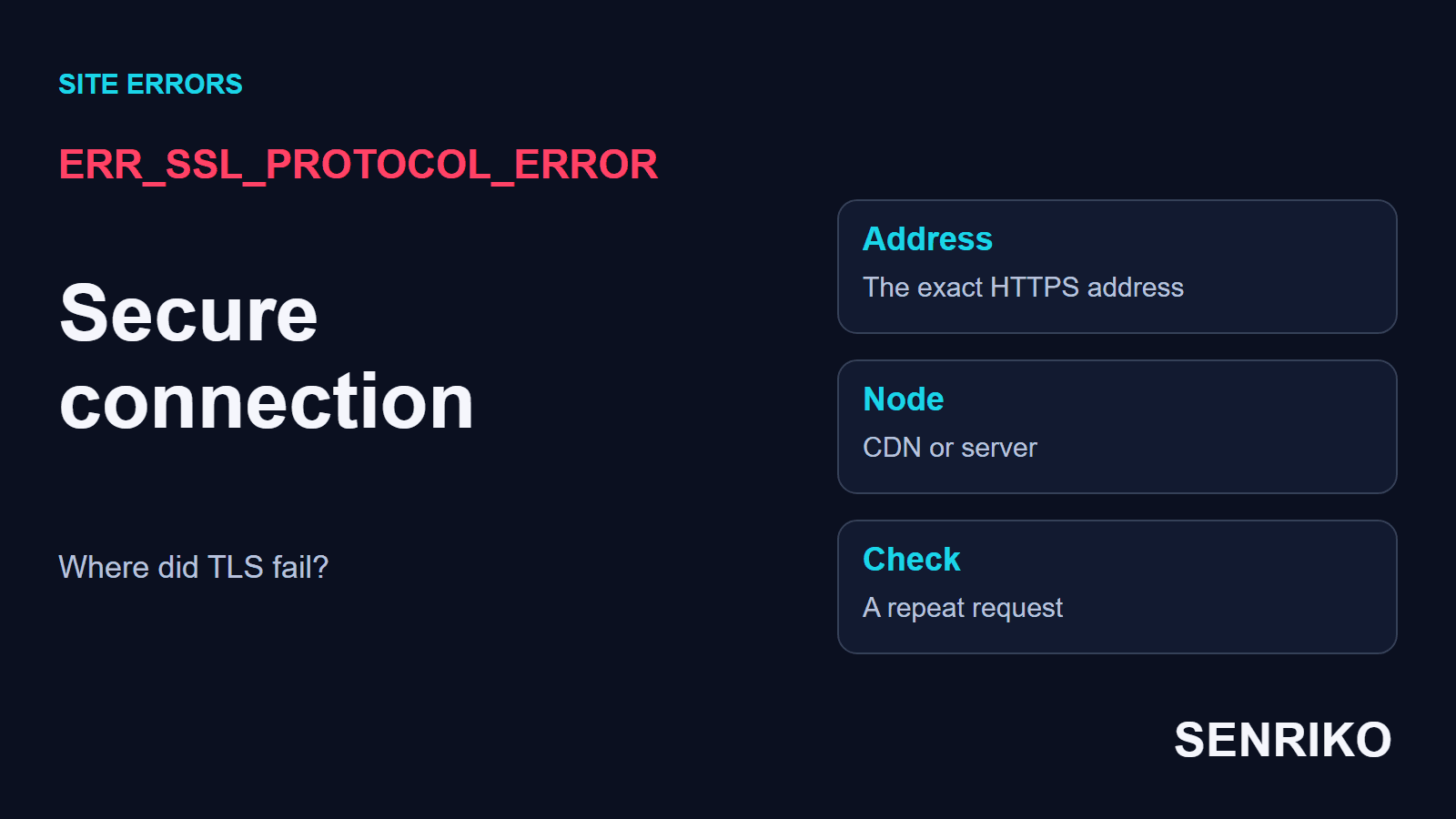
Chrome shows it as “This site can’t provide a secure connection”, adding that the site “sent an invalid response”. Chromium’s list of network errors gives it the number -107 and the words “An SSL protocol error occurred”. The name kept the old word SSL, although sites today negotiate encryption with TLS.
The message alone does not point to an expired certificate, and it does not name a server either: between the browser and the application there can be a CDN, a load balancer or a company proxy. Before any page with an HTTP status arrives, the browser has to agree a secure connection with the first HTTPS node.
Check which address failed. www.example.com, app.example.com and cdn.example.com can each have their own TLS settings, so a working main domain says nothing about the sign-in page or the subdomain that serves static files.
If the error happens on one device, compare browsers and networks. If the same address fails for users on different networks, give a specialist the exact URL and the time. That result decides which node’s log to open.

How is it different from a certificate error or a redirect loop?
Read the browser’s message in full first. An expired certificate usually gives a date error, and a conflict of redirects gives ERR_TOO_MANY_REDIRECTS. Each needs its own first test.
| What the browser showed | Which branch to check |
|---|---|
| ERR_SSL_PROTOCOL_ERROR | The TLS handshake, the public HTTPS node’s settings and the path through any proxy |
| ERR_SSL_VERSION_OR_CIPHER_MISMATCH | No TLS version or cipher suite in common between the browser and the server |
| NET::ERR_CERT_DATE_INVALID | The dates of the certificate the exact address really serves, and the visitor’s clock |
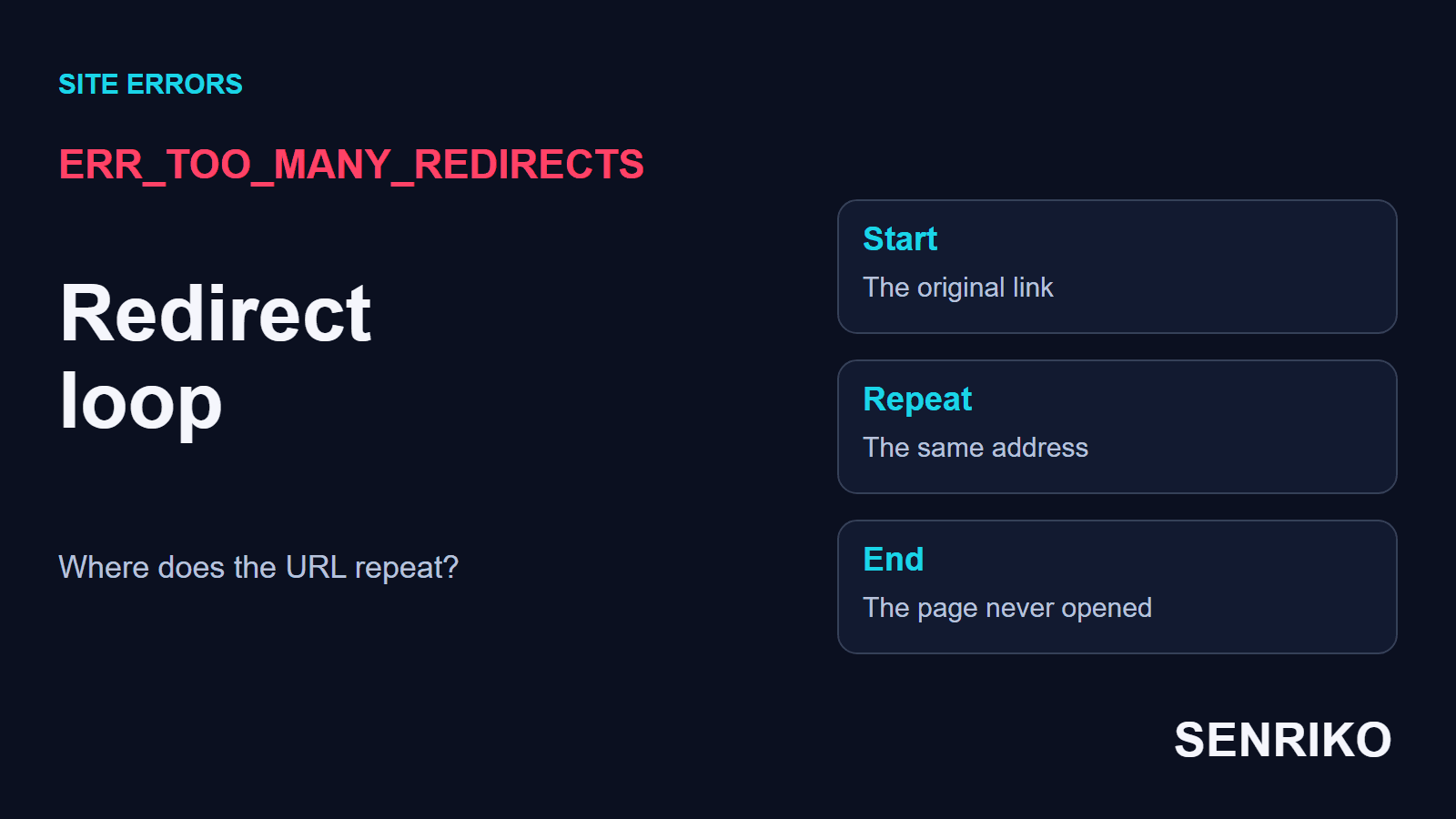
| ERR_TOO_MANY_REDIRECTS | The sequence of redirects and the HTTPS, www, CMS or CDN rules behind it |
In our team’s practice, failures that looked alike belonged to these neighbouring branches. After an online shop moved to a new VPS, the site stopped opening: the server forced every request to HTTPS while Cloudflare was set to Flexible. That pair makes a loop of redirects, and our guide to ERR_TOO_MANY_REDIRECTS takes it apart.
In another project the main site worked while images, styles and scripts from the CDN subdomain stopped loading. SSL Labs showed that the certificate on the CDN’s edge servers had expired, although the main domain’s was fresh. The Let’s Encrypt certificate for the subdomain was reissued and the keys updated in the provider’s panel; with the cache invalidation it took 45 minutes.
In that situation you check the certificate of the exact subdomain first. Our guide to checking an SSL certificate covers its dates, names and chain.
How do you check the exact HTTPS address as a visitor?
Repeat the same URL on two independent connections. Keep the scheme, the domain, the path and any port the same, so that you compare the conditions of access and not two different pages.
- Write down the exact error code and the time with its time zone. If a file on the page failed, save the file’s address as well as the page’s.
- On your phone, turn Wi-Fi off and open the same address over mobile data. Then try another browser on the original network. A working alternative network gives the search a direction, but does not yet prove a particular router at fault.
- In Chrome, open the developer tools on the Network tab and reload. Find the failed request. If the page moves between addresses, tick Preserve log to keep the chain; Chrome DevTools’ reference describes the panel.
- Give the site’s owner the URL, the code, the time and the results of the comparison. On a work computer with a managed proxy, say also whether the error happens outside the company network.
Do not click through a certificate warning just to test a form or a payment. That step removes the check of the server’s identity and changes the conditions of the test. For diagnosis it is enough to save the error and reproduce it on the exact address.
If the failure stays in one profile only, compare its extensions and settings with a working profile, one condition at a time. Clearing every cache before that comparison throws away useful evidence.
Where do you look for the TLS failure on the server and the CDN?
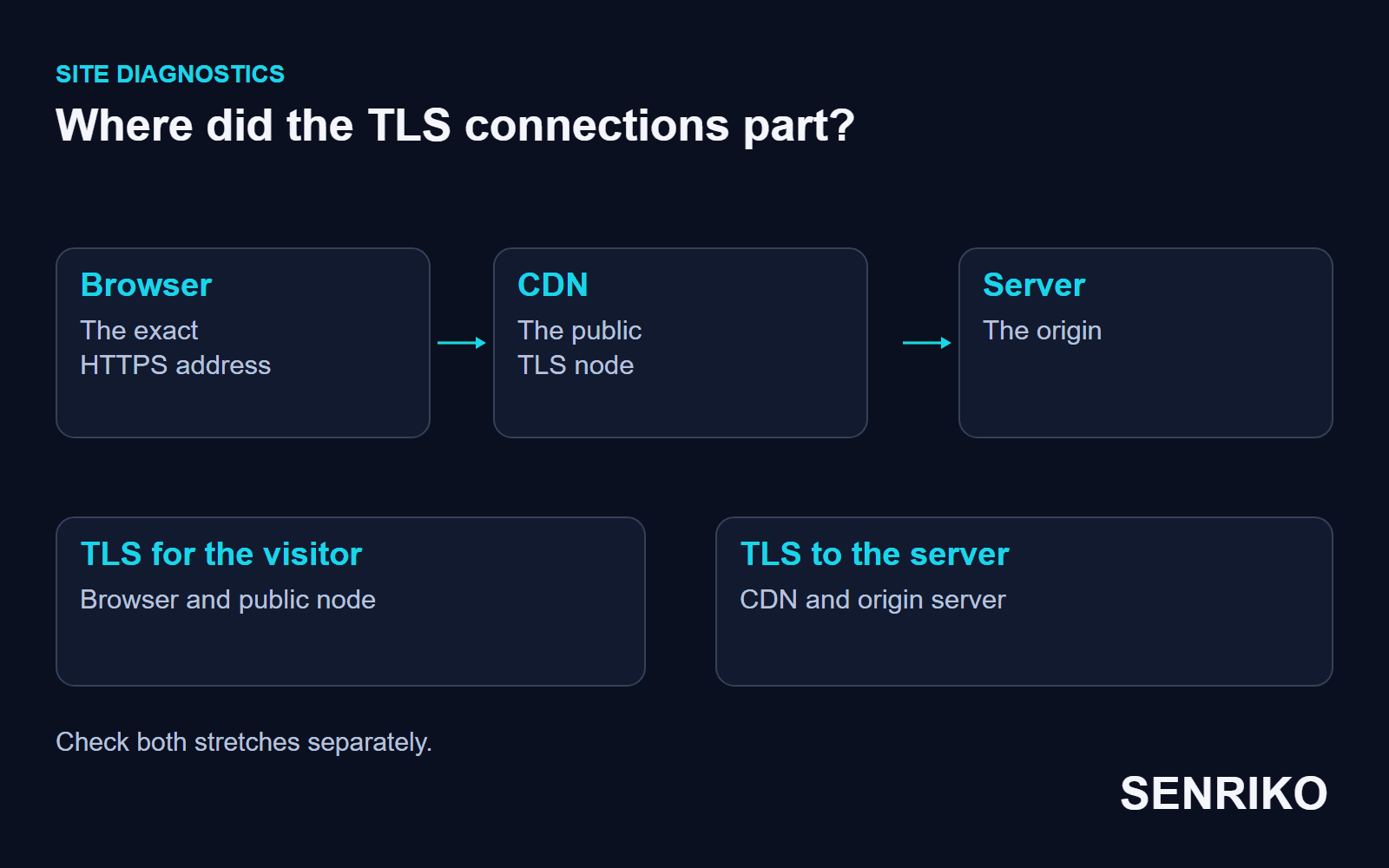
Find out which node accepts HTTPS from the visitor. Its configuration matters more than the certificate or the application behind it, if the request has not reached the application yet.
- On which name and port does TLS end for the original URL? With a CDN in front, the browser negotiates with the CDN first, and a direct request to the application server tests another stretch of the path.
- Does the right virtual host accept secure connections? For Nginx, match the site’s name, the listening port, the certificate file and the allowed TLS settings with nginx’s page on HTTPS servers.
- What does an intermediary get from the origin? With Cloudflare in Full mode, a handshake that fails between Cloudflare and the origin is Cloudflare’s error 525, a different result for the visitor; do not record it as their ERR_SSL_PROTOCOL_ERROR.
- After a change, repeat the request to the same name and path, from the failing network and an independent one, then check that the page itself loads.
One classic cause is worth checking early: a port 443 that answers in plain HTTP. nginx’s page says the ssl parameter must be enabled on the listening socket, so a server block with listen 443; and no ssl speaks unencrypted HTTP where the browser expects a TLS handshake. The same page notes that nginx enables TLSv1.2 and TLSv1.3 by default, and that SNI is how the server picks the certificate for the name the browser asked for.
To test the handshake for the exact name from a terminal, use OpenSSL’s client:
openssl s_client -connect app.example.com:443 -servername app.example.comOpenSSL’s manual explains that -servername sets the SNI name in the Client Hello. A completed handshake prints the certificate chain and the agreed protocol; a failure stops early, which tells you the fault is at this node and not further on.
A valid certificate does not prove that every TLS setting is compatible. And a failure on one HTTPS subdomain does not mean every address of the site is down. Give the developer separate results for each name where the failure really reproduces.
How do you confirm the secure connection is back?
Open the original address in the network and browser where it failed, then on an independent connection. Once the page appears, repeat what the visitor came to do: sign in, open the catalogue or load the resource they needed.
Checking only the homepage does not close an incident on the account subdomain or the static files. Keep the list of addresses that were really affected and make sure each passes its own test. If the error followed a change to the TLS configuration, check the result for the client that could not connect before.
Add your public pages to SENRIKO’s availability monitoring. It runs on every plan, and the domain, DNS and certificate are checked every day; a watched page that cannot be opened is reported. An outside check shows the result from its own vantage point and does not establish the cause of a TLS failure. Choose how many pages to watch on the plans, starting with the address where visitors do something important.
Frequently asked questions about ERR_SSL_PROTOCOL_ERROR
What does ERR_SSL_PROTOCOL_ERROR mean?
Is it caused by an expired certificate?
Is the problem on my side or the site’s?
Can a server misconfiguration cause it?
What if the site is behind Cloudflare?
Why does only one subdomain fail?
Sources
- net_error_list.h: Chromium’s network error codesChromium
- Configuring HTTPS serversnginx
- openssl-s_clientOpenSSL documentation
- Network features referenceChrome DevTools
- ERR_TOO_MANY_REDIRECTSCloudflare SSL/TLS docs
- Error 525Cloudflare Support
- Error 526Cloudflare Support
- Pricing and levels of checksSENRIKO