Contents
In one of our projects a form was sent to a static page instead of its handler. The page itself existed, but a POST to its address got a 405. That gap is why you check the visitor’s action itself.
What does 405 Method Not Allowed mean?
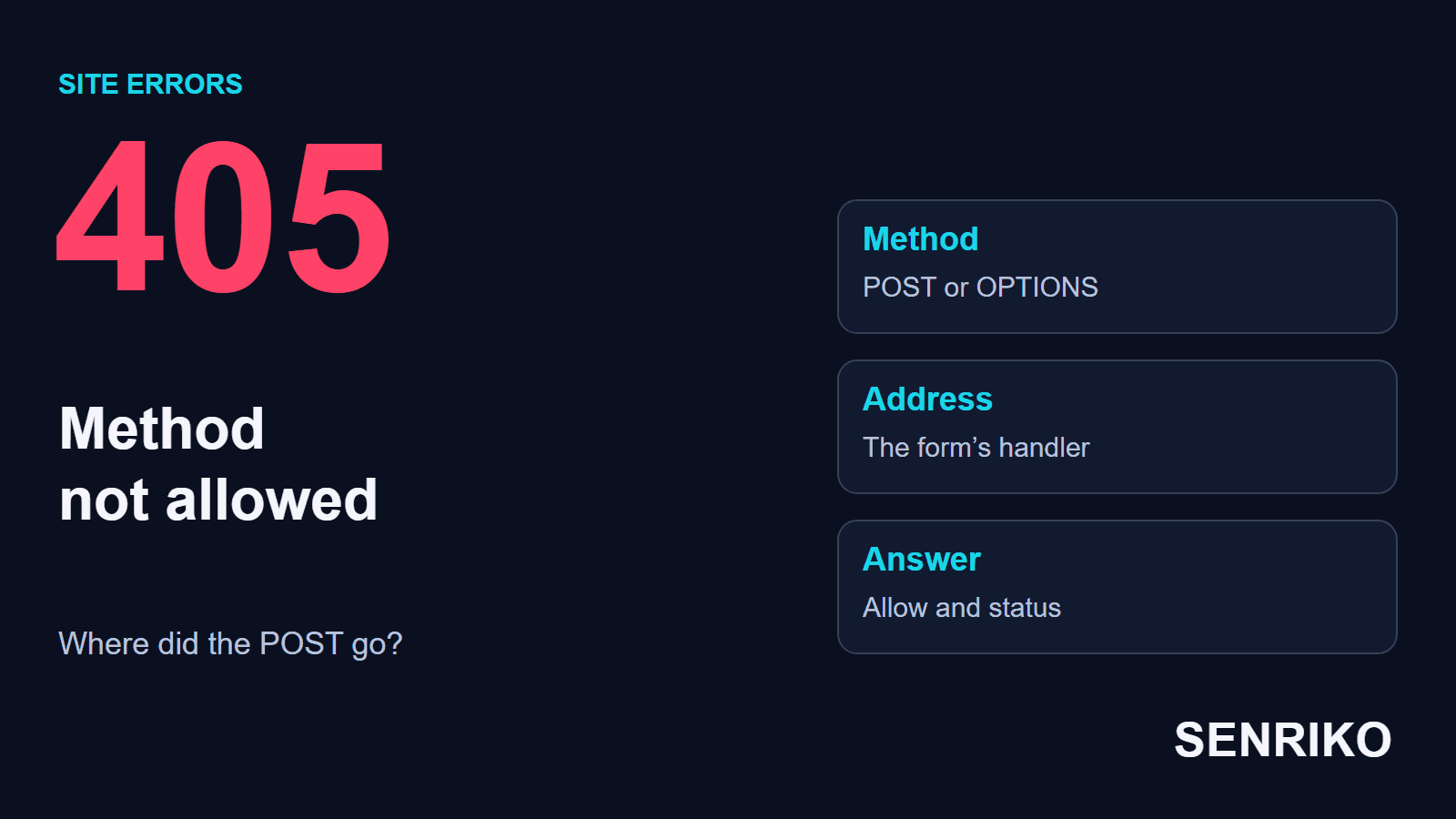
A 405 says the server knows the HTTP method but does not allow it for the resource requested. The method is the request’s action: GET fetches data, POST sends it to be processed. RFC 9110 says the origin server MUST generate an Allow header in a 405, listing the methods the resource supports.
For example, a thank-you page opens with GET, but there is nothing at its address to receive a form’s POST. The server can answer 405 although the file exists and opens fine from the menu. So a working page does not prove that the form is sent to the right address.
Similar statuses mean other things. A 403 refuses access, a 404 says the resource was not found, and a 400 covers a malformed request more generally. With a 405, check the method and the address together first. Our guide to 403 Forbidden covers the refusal of access.
Do not open every method on the site at random. A method can be closed for an address on purpose, and the fix depends on whether the client used the wrong route or the server does not handle an action that makes sense there.

How do you find the method and address of the failed request?
Repeat the action that brings the 405 and open that request in the Network tab of the developer tools. You need the full URL, the method, the status, the Allow header, the answer and the path through any redirects.
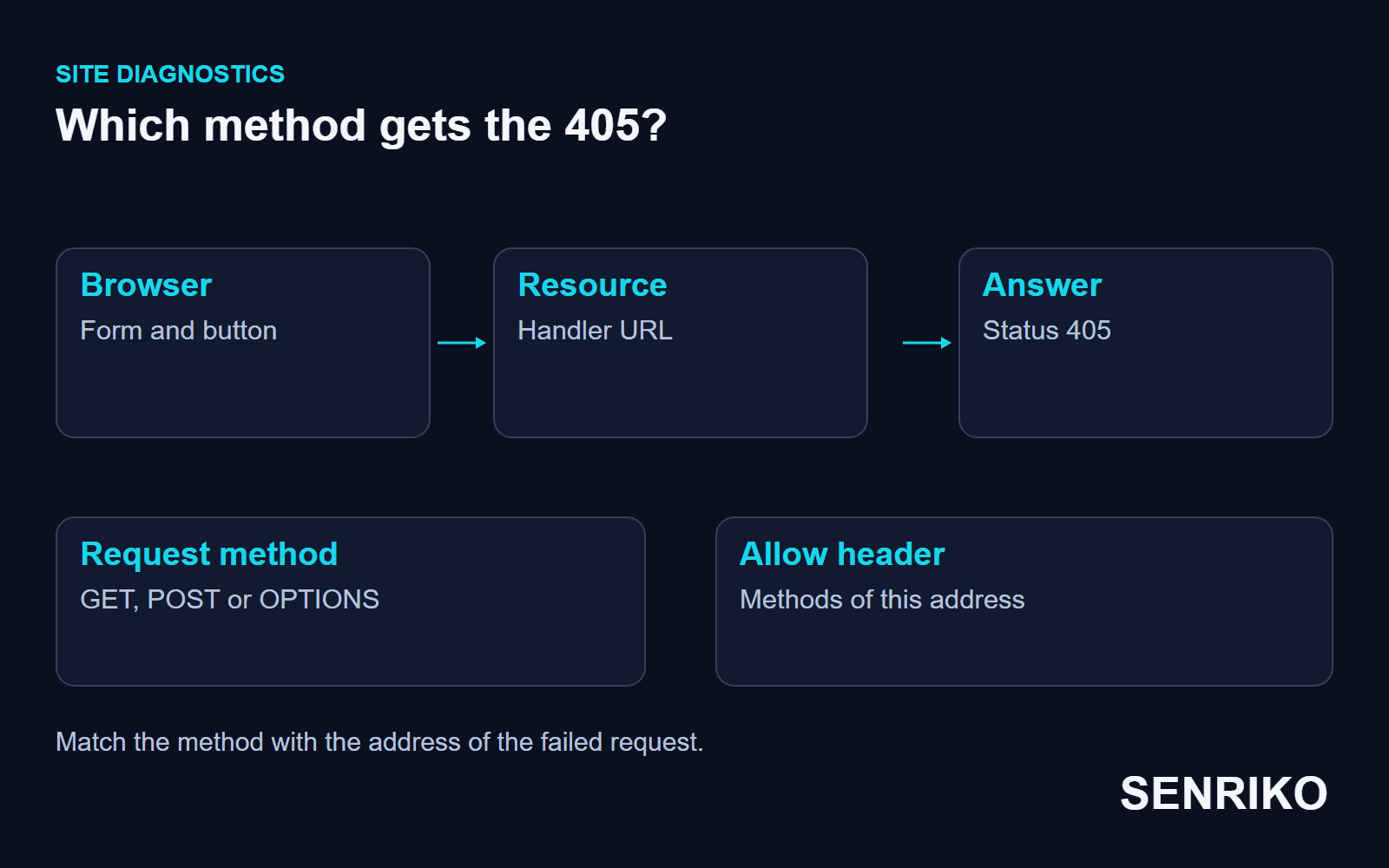
- Open the form and start Network before pressing the button. If the submission leads to a new page, tick Preserve log; Chrome DevTools’ reference describes keeping requests across page loads.
- Press “Submit” with test data and find the request with the 405. See whether the POST went to the form’s handler or to a page meant only to show the result.
- Compare the real URL with the form’s
actionattribute and the route that should accept it. If JavaScript sends the form, check the address and method in its own network request. - Give the developer the time, the URL, the method and the status. The
Allowheader shows the methods the server expects, though the real behaviour also depends on routing, rules in between and the application’s version.
If a 301 or 302 comes before the submission, look at the whole chain. RFC 9110 says that after a 301 or 302 a browser MAY change POST to GET for the next request, for historical reasons, and that 307 and 308 exist for redirects that keep the method. So when a POST you sent arrives as a GET, record every hop, not only the URL in the markup. The standard’s section on redirects lists the differences.
For an API call, compare a working request with the failed one: the path, the HTTP method and the version of the endpoint. The body matters for checking the data, but a 405 first asks whether the resource supports the method at all.
Case: a form’s POST went to a static page
CaseAnonymous caseA landing page with a lead form
A form’s POST went to a static page
- What we saw
- On a landing page, users got a 405 when they submitted the lead form.
- What we found
- In the HTML, the form’s
actionattribute pointed at the static/thank-you.htmlinstead of the handler/api/submit. The team found the mismatch between the form’s address and the API route. - What we did
- We corrected the
action, after which the request went to the right handler. The whole job took 15 minutes.
- 15 minutesfor the whole job
What mattered was testing the submission itself. Opening /thank-you.html directly sends no POST, so it could not explain why visitors saw the error after pressing the button.
When does an OPTIONS request get a 405 too?
For some cross-origin requests the browser first sends a preflight OPTIONS, asking whether the server will accept the real request with its method and headers. MDN’s page on CORS lists what triggers it: a method other than GET, HEAD or POST, a Content-Type other than application/x-www-form-urlencoded, multipart/form-data or text/plain (so application/json does), or a custom header. If the OPTIONS gets a 405, the real POST may never start.
In another of our projects a frontend sent conversion data to a third-party tracker. The Network tab showed the preflight OPTIONS answered with 405, on a route not set up for that method. The whole job took 30 minutes. In the static page case the failure came later, on a different request.
One 204 answer is not a universal fix for a preflight. The browser also checks the allowed origin, the requested method and the headers: MDN shows the preflight carrying Access-Control-Request-Method and Access-Control-Request-Headers, and the answer allowing them with Access-Control-Allow-Origin, Access-Control-Allow-Methods and Access-Control-Allow-Headers. You can imitate the preflight from a terminal:
curl -i -X OPTIONS https://api.example.com/collect \
  -H "Origin: https://www.example.com" \
  -H "Access-Control-Request-Method: POST" \
  -H "Access-Control-Request-Headers: content-type"
If OPTIONS is closed for that address on purpose, check what the route is for first. For a cross-origin scenario that should work, allow the specific origin, method and headers, then repeat both the OPTIONS and the main request, and make sure the POST itself goes through.
How do you check the form after the fix?
Repeat the visitor’s path: open the page, fill in the form and press the button. Check that the request went with the right method to the right address, that the server returned the expected result and that the visitor saw a clear confirmation.
Check the record the handler should create, not only the message on screen: a badly built form can show “Thank you” before the server has answered. For an external API, make sure the request with the data went through after the OPTIONS was fixed.
To watch a form regularly, add it to SENRIKO’s form checks. A real test submission is available once you confirm you own the site, and the check shows the server’s answer and the conversion signal. How many forms each plan covers is on the pricing page. Start with the form where the refusal already happened, and keep the result of the repeat submission.
Frequently asked questions about 405 Method Not Allowed
What does 405 Method Not Allowed mean?
Why does my form get a 405 on submit?
What is the difference between 405 and 404?
Why does an OPTIONS request return 405?
Can a redirect cause a 405?
Should I just allow all methods?
Sources