Contents
- What does ERR_CONNECTION_TIMED_OUT mean, and how is it different from a 504?
- The site took too long to respond: what should a visitor check?
- Where does the connection stall: the port, TLS or the answer?
- Case: HTTP worked, and HTTPS ran into a cloud rule
- What if the connection times out again?
- Frequently asked questions about ERR_CONNECTION_TIMED_OUT
For the site’s owner the question is which stage stalls: did the connection to the server open, did the HTTPS handshake finish, did the server start working on the request? If HTTP opens and HTTPS hangs, test the secure connection’s port on its own. That was the whole story in one of our projects: one port, closed one level above the server.
What does ERR_CONNECTION_TIMED_OUT mean, and how is it different from a 504?
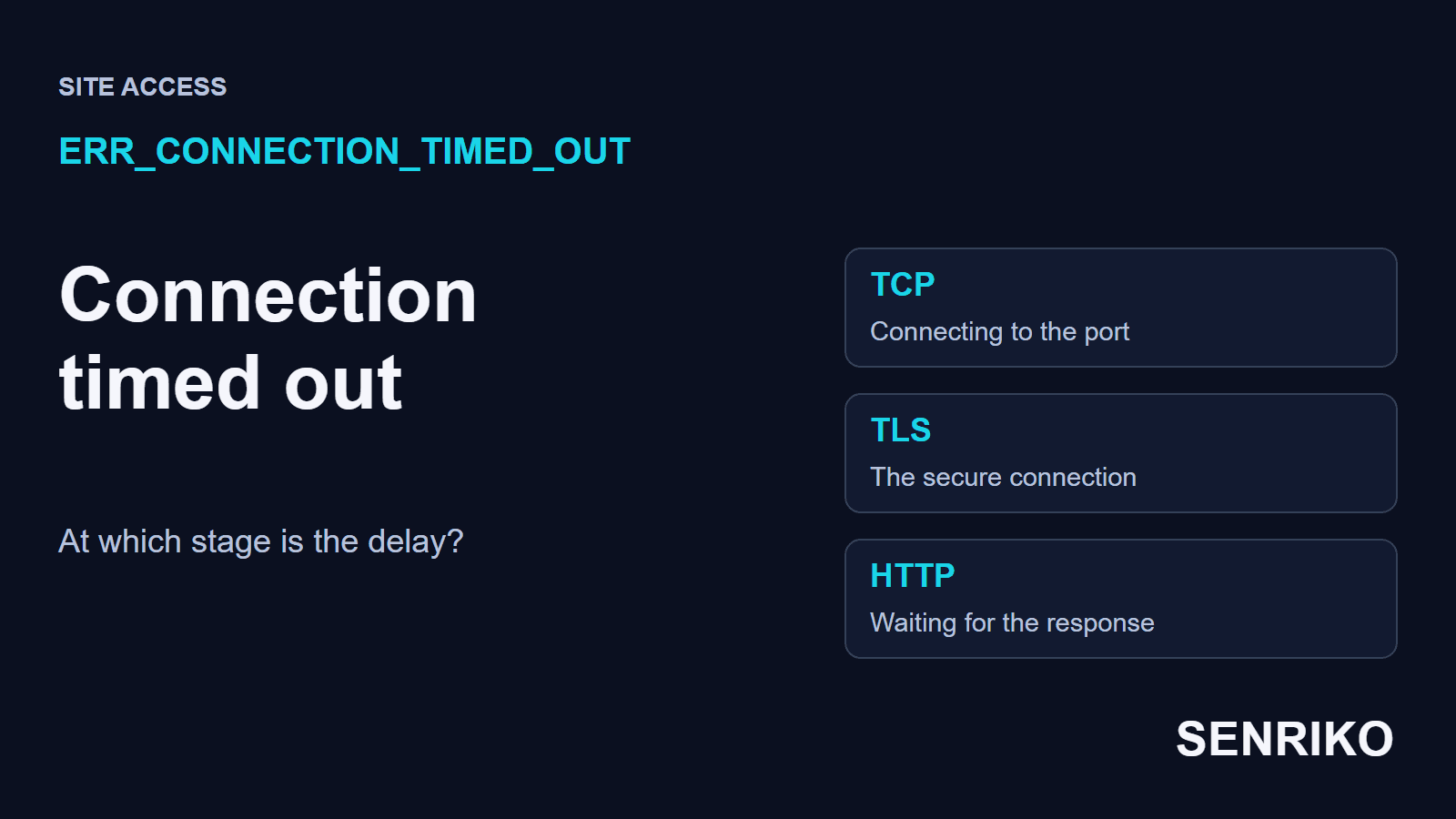
Chrome shows it as “This site can’t be reached” with the line that the address “took too long to respond”. The browser could not finish its attempt to connect in the time it allows. In Chromium’s list of network errors this is CONNECTION_TIMED_OUT (-118), “A connection attempt timed out”. There is a separate TIMED_OUT (-7) for an operation that timed out after the connection.
A timeout is the absence of any answer. If a server turns a connection down it answers, and the browser shows ERR_CONNECTION_REFUSED at once. A timeout usually means the attempt went somewhere and nothing came back: a firewall dropped the packets, the route broke, or the server was too overloaded to accept.
Use the result to pick the direction:
| Result | Stage to look at | Data that helps |
|---|---|---|
| ERR_CONNECTION_TIMED_OUT | The attempt to connect | The address, the port, the network and a TCP test |
| Connected, but the answer is slow to start | The processing of the request, or the services behind it | Time to first byte and the processing logs |
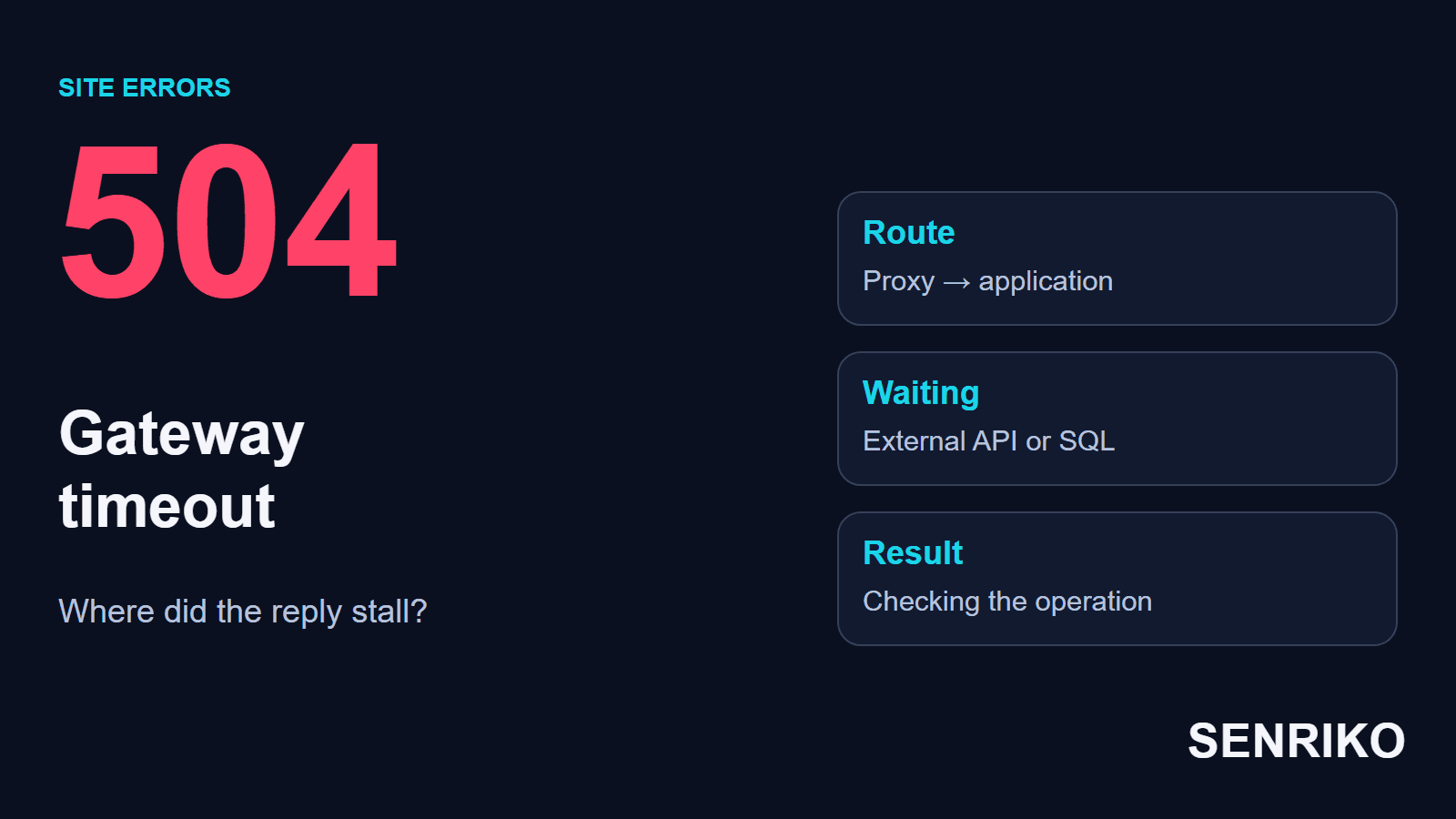
| HTTP 504 Gateway Timeout | A gateway did not get an answer from the server behind it | Where the HTTP answer came from, and the gateway’s logs |
| Cloudflare error 522 | Cloudflare could not connect to your server in time | The origin’s firewall, load and IP address |
With a 504 the browser has already received an HTTP answer from a gateway; RFC 9110 defines what it means, and our guide to 504 Gateway Timeout follows it down the chain. So raising PHP’s execution time should not be the first reaction to every message about waiting: first find out whether the request reached the application at all.

The site took too long to respond: what should a visitor check?
First open the same full address on another connection. If the site opens on your phone over mobile data, you have a working case to compare with the original network.
- Try a few other sites. If nothing opens, start with your own connection, the router or a configured proxy. If only one site fails, keep checking its address.
- On your phone, turn Wi-Fi off and open the link again. Keep the scheme, the domain and the port the same: HTTP and HTTPS can pass through different access rules.
- On the original network, open the page in another browser or a clean profile, and compare the working profile with the failing one by extensions and connection settings.
- If you use a VPN of your own, compare the request with it and without it. On a work device with a compulsory company connection, pass the result to your IT team.
Another network changes the route, your outgoing IP address and sometimes the DNS answer. Its success alone does not prove a broken home router or a block by your provider; it points the check in a direction. Write both results down with the time, so a specialist can repeat them.
Keep those results before you change any settings. Resetting Windows’ network settings changes several things at once; it is worth doing only when there are signs that the network configuration itself is broken.
Where does the connection stall: the port, TLS or the answer?
Check three stages: opening the TCP connection, the TLS handshake for the secure connection, and receiving the HTTP answer. Time to first byte includes the stages before it, so to judge the processing delay, first see how long the connection itself took.
For a public address, curl gives you all three. On Windows call it as curl.exe, so that this tool and not an alias runs. The example limits both the connection and the whole request:
curl -v --connect-timeout 5 --max-time 15 https://example.com/Put your own domain in. Five seconds limit this diagnostic attempt to connect, and 15 seconds the whole operation; the values are for a short test and change nothing in the browser. curl’s manual counts the connection phase as complete when the DNS lookup and the TCP and TLS handshakes are done, so --connect-timeout covers all of those, and --max-time the whole transfer.
Then follow what you see:
- If the TCP connection to the port never opens, check the listening service, the server’s firewall and the cloud’s network rules. A successful ping tests another protocol and does not replace a test of the TCP port.
- If TCP opens and the TLS handshake fails, look at the HTTPS settings, the certificate and any proxy in between. That is a separate stage after access to the port.
- If the connection and TLS go through but the answer is late, move to the logs of the application, the database and any external API. Only now is the processing of the request the thing to examine.
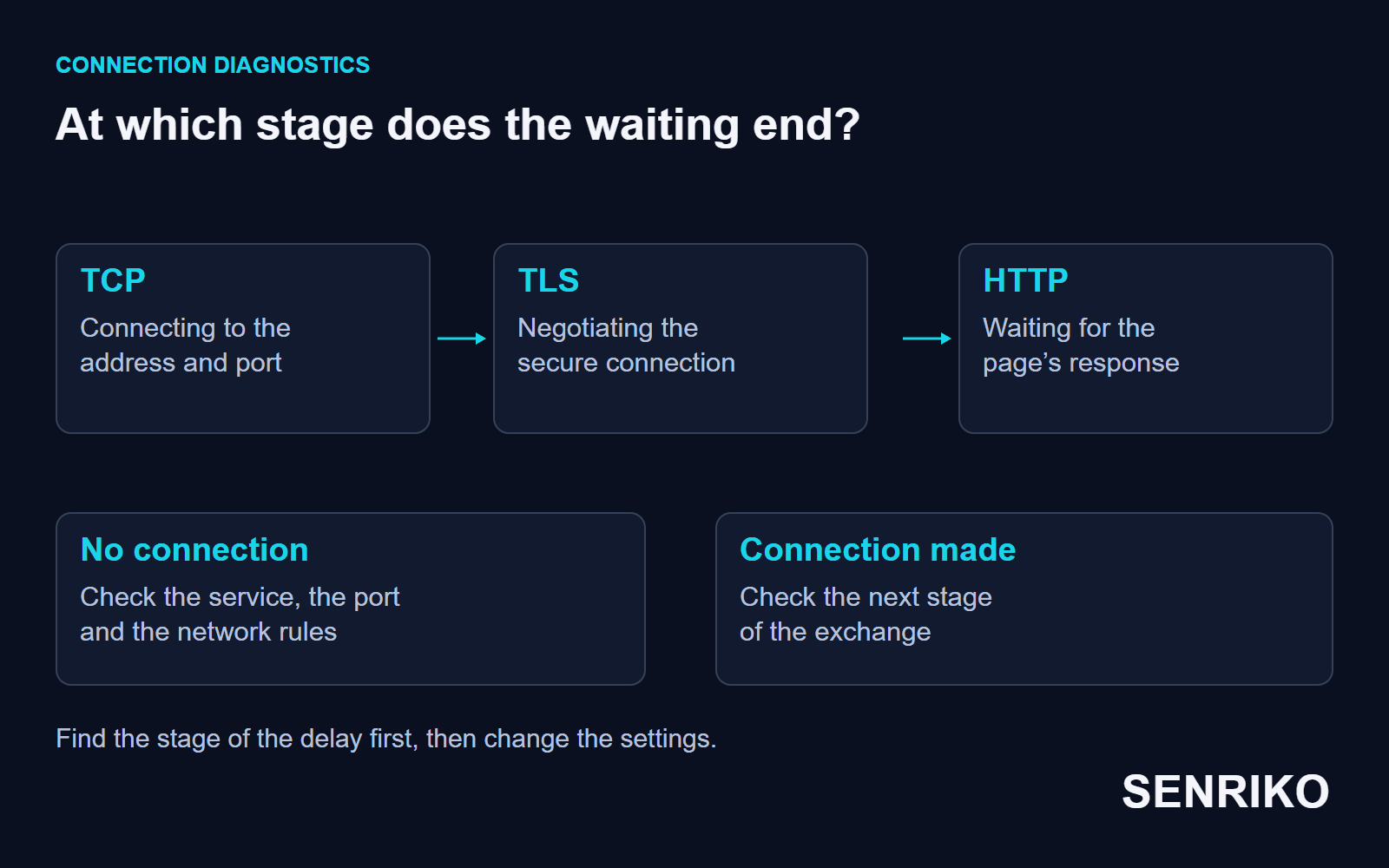
In a cloud, check the network rules apart from the operating system’s. They can decide the protocol, the port and the source before a request ever reaches the server. AWS’s security groups are a clear example: you can only add allow rules, not deny rules, and a new group has no inbound rules, so no inbound traffic gets in until you add one. Traffic no rule allows simply goes unanswered, and the browser waits. Other providers name these settings differently.
A trace helps to compare routes, but read it with care. traceroute’s manual says it sends UDP probes by default and prints an asterisk for a probe that gets no reply in time, and a router can pass real traffic while leaving such probes unanswered. Its -T option sends TCP SYN probes instead, and with -p 443 they go to the port the site uses, which is closer to what the browser does; this mode may need root rights.
Case: HTTP worked, and HTTPS ran into a cloud rule
CaseAnonymous caseA client’s site after a move to a cloud VPS
HTTP worked, and HTTPS ran into a cloud rule
- What we saw
- After a client’s site was moved to a cloud VPS, its pages opened over HTTP. Over HTTPS the connection timed out.
- What we found
- We checked the server’s own UFW firewall, and its settings were correct.
tracerouteshowed the packets reaching the provider’s node and no replies after it. In the external Security Group, in the cloud’s control panel, inbound TCP traffic to port 443 was not allowed. - What we did
- We added a rule allowing inbound connections to port 443. The whole job took 45 minutes.
- port 443not allowed in the external Security Group
- 45 minutesfor the whole job
The block was a network rule outside the server, and it stayed in force however correct the UFW rules were. That is why the cloud’s rules are a separate step: a check on the server itself can pass while the port stays closed one level up.
What if the connection times out again?
After a fix, repeat the request from the network that failed and from one more independent connection. Use the same domain, scheme and port, and wait for the page to finish loading. That confirms the original scenario works again.
If it happens again, save the time, the address and the stage at which the request stopped. If a working site fails again on only one connection, give a specialist the comparison of the two networks. If different connections fail, lay the reports beside the logs and the changes to the infrastructure.
In your support instructions, keep the outside check and the attempt from the visitor’s network apart. One outside test shows access from its own vantage point, so a particular visitor’s report is checked with their connection in mind.
Add the address to SENRIKO’s availability monitoring to have it checked from our side on a schedule. It is on every plan, and the domain, DNS and certificate are checked every day. A connection or handshake that never finishes is reported as a timeout, while a server that took the request and then sent nothing back is reported separately as an answer that is too slow, because that one is the site itself. An alert needs two failed attempts out of three, and before it goes out a second location outside our data centre tries the same address. Use the plans to choose how many pages to keep watched.
Frequently asked questions about ERR_CONNECTION_TIMED_OUT
What does ERR_CONNECTION_TIMED_OUT mean?
Is the problem on my side or the site’s?
How is it different from a 504 Gateway Timeout?
Why does HTTP open while HTTPS times out?
The server answers ping, so why does the site time out?
What is Cloudflare error 522?
Will raising a timeout fix it?
Sources
- net_error_list.h: Chromium’s network error codesChromium
- RFC 9110: HTTP Semantics (504 Gateway Timeout)IETF
- curl man pagecurl
- Security group rulesAmazon VPC
- traceroute(8)Linux manual page
- Error 522Cloudflare Support
- Pricing and levels of checksSENRIKO