Contents
- The connection was reset: what does ERR_CONNECTION_RESET mean?
- The connection was cut: how do you narrow down where?
- Case: an office gateway reset the connection to a dashboard
- What should you check on the server, the proxy and the CDN?
- How do you check the fix and keep watching?
- Frequently asked questions about ERR_CONNECTION_RESET
These comparisons tell the site’s owner or the IT team which stretch to examine. For our team, that difference between two networks led to an office gateway, not to the server.
The connection was reset: what does ERR_CONNECTION_RESET mean?
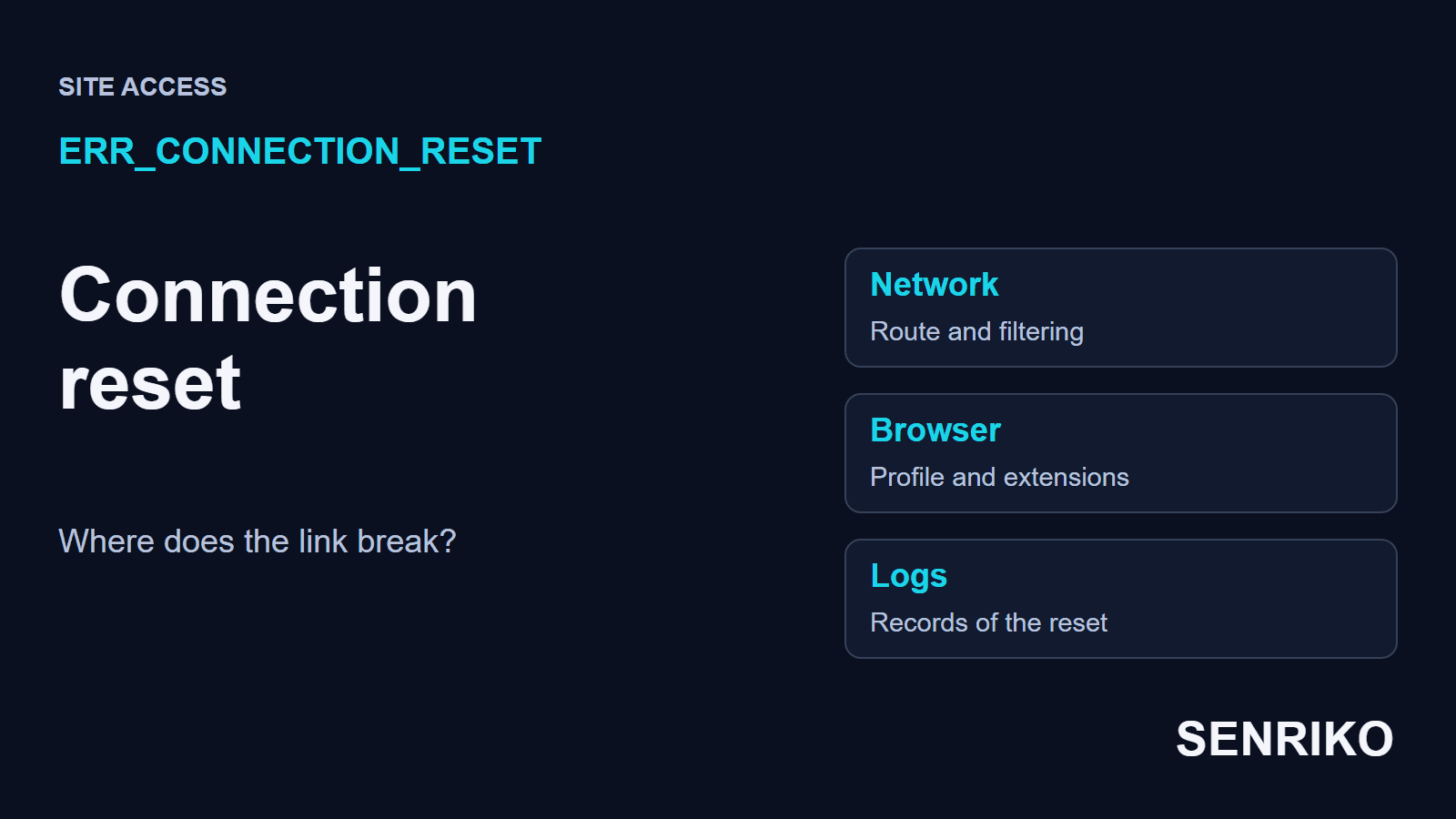
Chrome shows it as “This site can’t be reached” with the line “The connection was reset”. Chromium’s list of network errors gives it the number -101, a connection reset “corresponding to a TCP RST”, the packet that tears a connection down. The ordinary, polite end of a connection is a different packet, FIN, and a different code. A reset is the abrupt one.
The browser’s message cannot name the culprit. The connection may have been reset by the server at the other end or by any device in between: a proxy, a firewall, a gateway that inspects traffic.
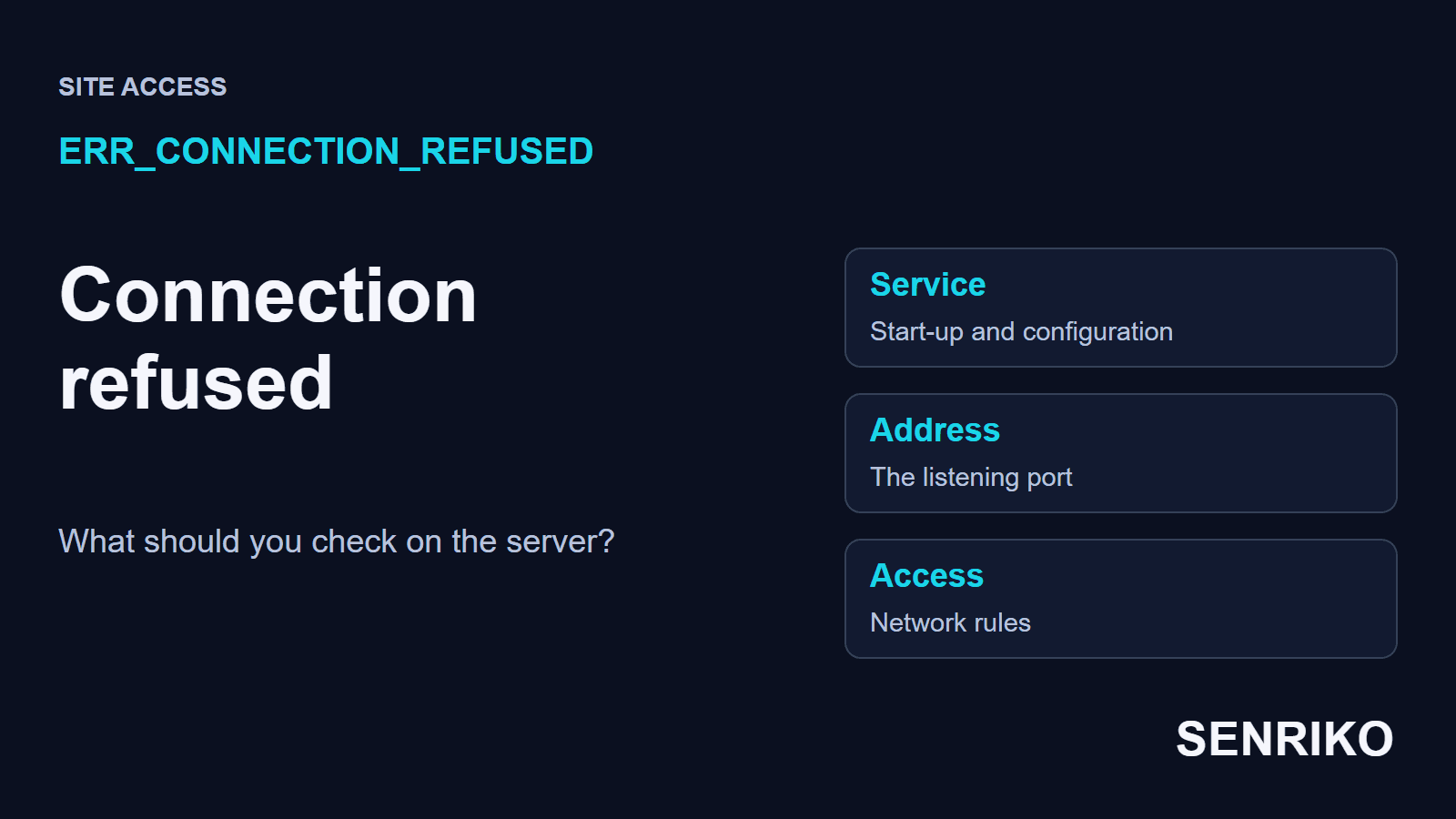
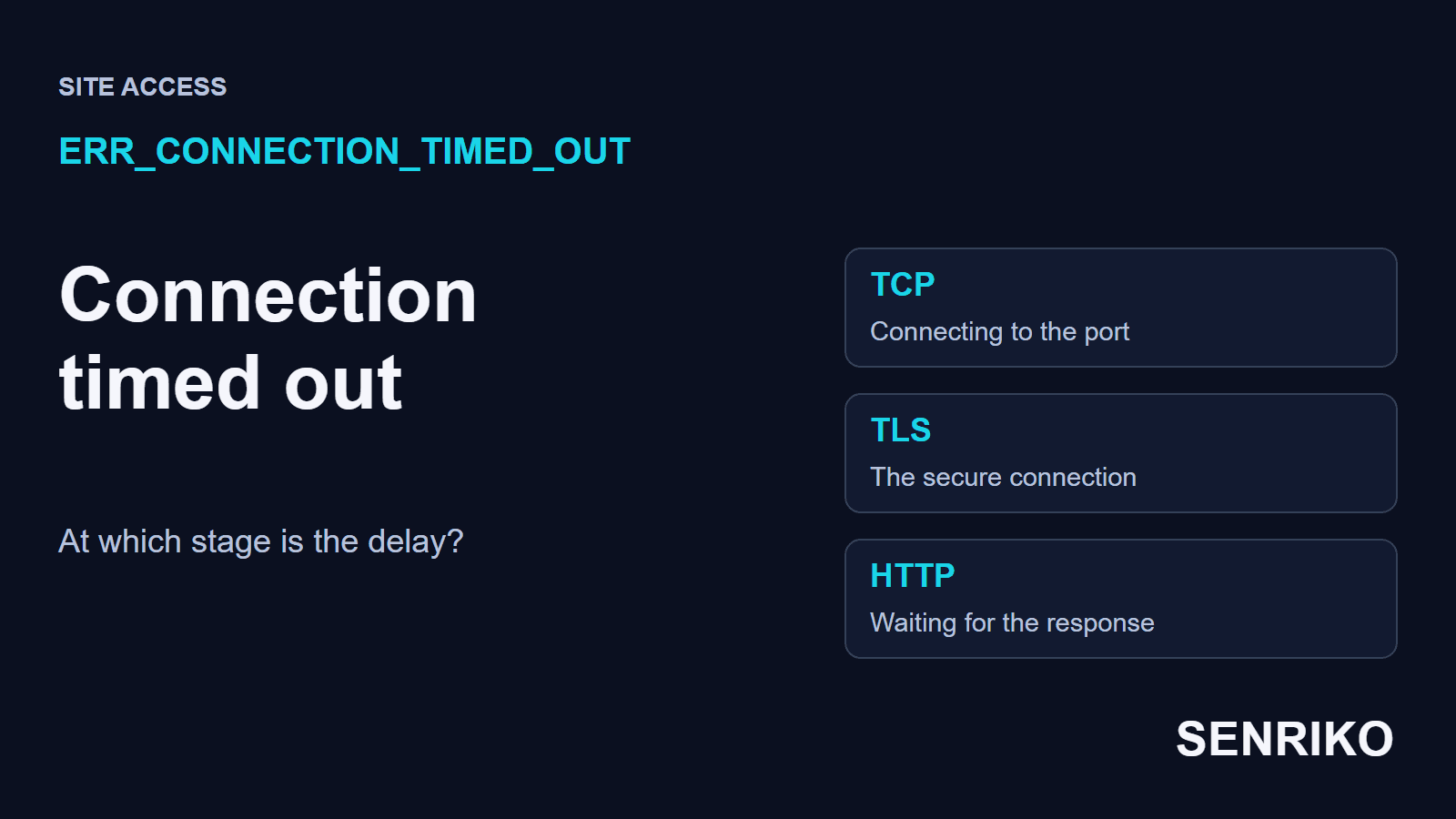
A reset is different from a refusal and from a wait that ends in nothing. With ERR_CONNECTION_REFUSED the attempt to connect is turned down. With ERR_CONNECTION_TIMED_OUT it never finishes in time. With a reset the connection got somewhere and was then broken off, so the question is who broke it and under what conditions.
It is not an HTTP error either. A 403 or a 500 is sent by a service in answer to an HTTP request. A reset is a failure of the connection itself, so what finds it is network observation and the logs of the devices on the way to the site. A network filter and a failing service can produce the same message, and repeating the request over an independent connection is the quickest way to tell them apart.
The connection was cut: how do you narrow down where?
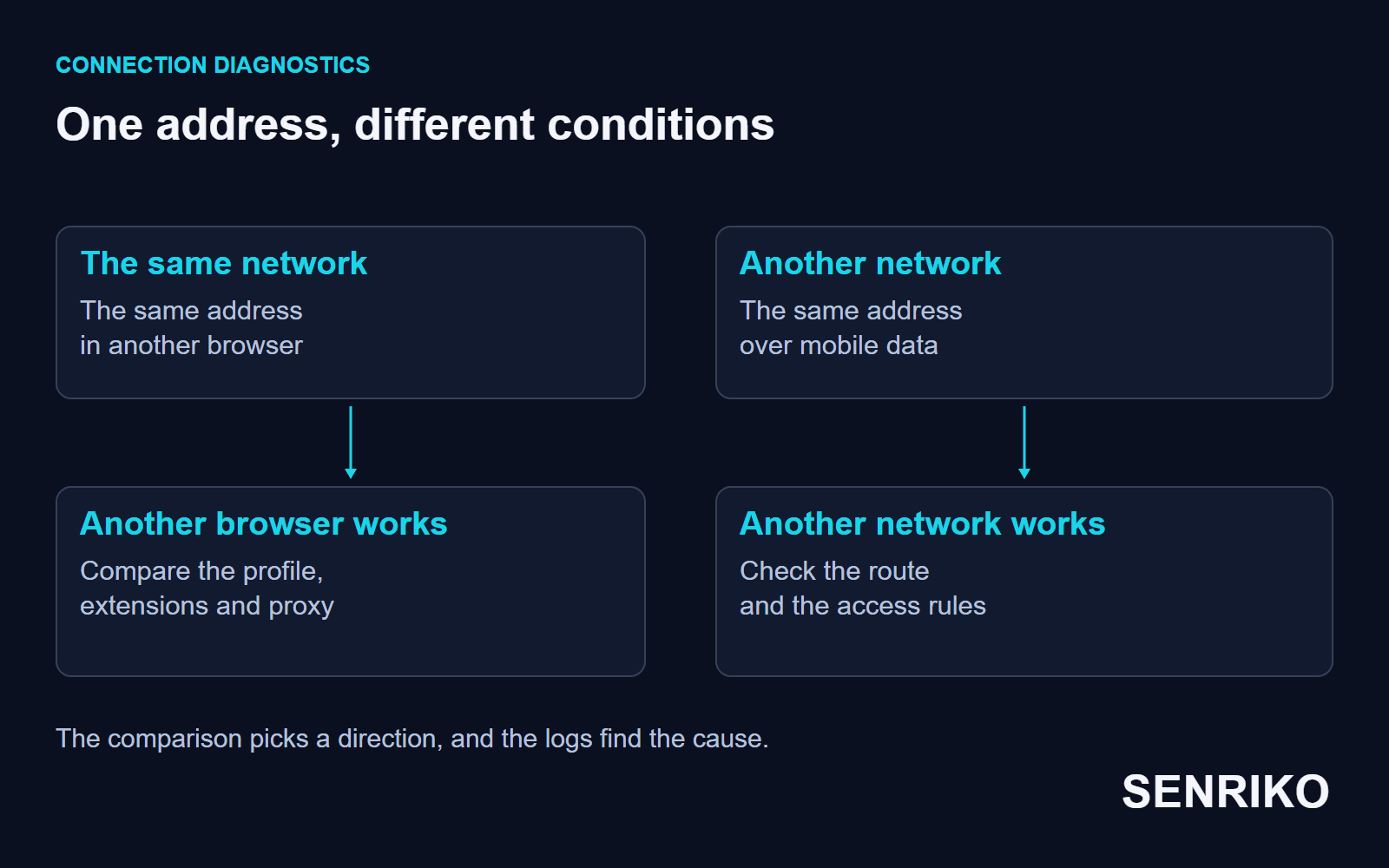
Open the same full address on another connection, then compare browsers on the original network. In that order the comparison separates the route from the settings of one device.
- Save the address, the time with its time zone and the exact error code. If the page opened and only a form submission or a download was reset, save the address of that request.
- Open the link on your phone over mobile data with Wi-Fi off. The scheme, the domain and any port must match. The difference between the results tells the site’s owner or the IT team which logs to read.
- On the network that fails, open another browser or a clean profile. If it works, compare the extensions and the proxy settings, one change per attempt so you can see what each one does.
- Check whether other sites fail too. Resets everywhere point to the connection as a whole and whatever filters it. A reset on one address points to that route and the target service’s rules.
On a work computer, give the comparison of networks to your IT team. They can look in the filter’s log and agree an exception for that one address; turning the company’s protection off entirely is more than the check needs.
A clean profile is the right tool for comparing browsers. In incognito mode some extensions can stay switched on, so look at their permissions separately. If a new profile opens the page, compare its settings with the main one.
Case: an office gateway reset the connection to a dashboard
CaseAnonymous caseAn analytics dashboard and an office network
An office gateway reset the connection to a dashboard
- What we saw
- A new analytics dashboard on port 8443 reset the connection at once for staff in the office. Over mobile data the same dashboard opened.
- What we found
- We captured the traffic inside the office network with Wireshark. Right after the browser sent its TLS Client Hello, the message that starts the secure handshake, a packet breaking the connection came from the router. The office ran deep packet inspection (DPI), which for security blocked self-signed certificates and SSL traffic on non-standard ports. The dashboard on 8443 fell under that rule.
- What we did
- We moved the dashboard to the standard port 443 and gave its domain to the IT department for the office gateway’s allow list. It took one working day, including the approval from IT.
- port 8443fell under the office DPI rule
- port 443and the domain on the gateway’s allow list
- 1 working dayincluding the approval from IT
If a reset happens only on a company network, and right after the TLS handshake starts, ask the IT team to find the attempt in the gateway’s log by its exact time. That tests the filtering hypothesis before anything changes on the server, and lets them compare the service’s port and certificate with the gateway’s rules.
What should you check on the server, the proxy and the CDN?
Lay the exact time of the reset beside the logs of the service and of every device the request passes. Be clear about which stretch you are checking: the visitor connects to a proxy or a CDN, and that in turn opens its own connection to the origin server.
Start with the action that failed. If a download is reset, repeat that download from the same address. Then match the result from the failing network with the record at the entry point and at the next service. A connection can break before it reaches the application, so read the application’s log together with the proxy’s.
In Chrome, open the developer tools on the Network tab and repeat the action. Keep the failed request and the requests before it; to keep the records across page loads, tick Preserve log. Chrome DevTools’ reference describes the tab.
A packet capture can show the RST and the stage of the exchange at which it came; in Wireshark the display filter tcp.flags.reset == 1 (a field of its TCP reference) leaves only those packets. Who really sent it still has to be checked against the layout of the network: TCP’s standard describes how a reset works, and a device in the middle can send one in the server’s name. Blaming the server on the strength of an error page or the sender’s address alone is premature.
With Cloudflare, check the mode of its connection to the origin. The Flexible mode combined with an origin that redirects HTTP to HTTPS usually ends in a loop of redirects, which Cloudflare describes as ERR_TOO_MANY_REDIRECTS. Its fix is to remove the HTTPS redirects at the origin or to set the encryption mode to Full or higher, which needs a certificate on the origin. A redirect loop and a reset are diagnosed from different evidence: for a reset, look for the RST packet and the device that sent it.
How do you check the fix and keep watching?
Repeat the original action from the network where the reset happened: the page, the form submission or the download the user complained about. Then compare the result with an independent connection.
If you changed several settings, write down the final configuration and keep only the changes that were needed. Where filtering was the cause, confirm the agreed rule with the IT team. If the reset comes back, the same address, time and comparison of networks will be needed again.
Check a failure in one office from that office. Outside monitoring shows access from its own vantage point; finding who sent a reset takes network data.
For public pages, add them to SENRIKO’s availability monitoring. It runs on every plan, and the domain, DNS and certificate are checked every day. A page whose connection is reset is reported as a page that could not be reached at all, and before that alert a second location outside our data centre tries the same address; if it opens there, no alert goes out, because the fault is likely on one route. Choose how many pages to watch on the plans, and add the pages where your visitors’ important actions begin.
Frequently asked questions about ERR_CONNECTION_RESET
What does ERR_CONNECTION_RESET mean?
Is the problem on my side or the site’s?
Why is the connection reset only at work?
What is the difference between a reset and a refusal?
Does Cloudflare’s Flexible mode cause ERR_CONNECTION_RESET?
How do I find who sent the reset?
Sources
- net_error_list.h: Chromium’s network error codesChromium
- RFC 9293: Transmission Control ProtocolIETF
- Network features referenceChrome DevTools
- Display filter reference: Transmission Control ProtocolWireshark
- ERR_TOO_MANY_REDIRECTSCloudflare SSL/TLS docs
- Pricing and levels of checksSENRIKO