Contents
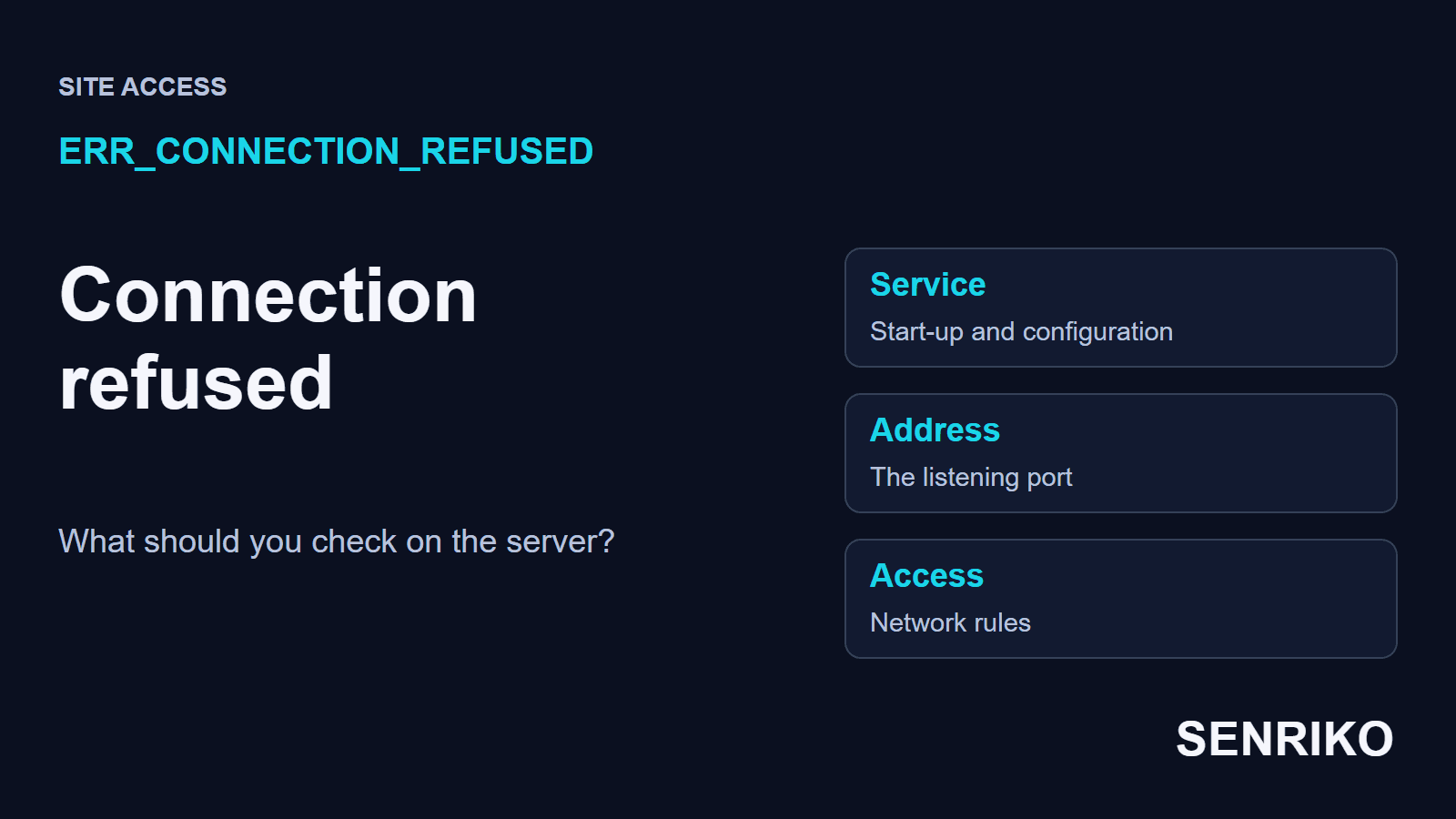
- What does ERR_CONNECTION_REFUSED mean?
- How do you tell whose side refused the connection?
- What should the site’s owner check on the server?
- Behind Cloudflare, a refusal looks like error 521
- Case: Nginx did not start after a configuration update
- How do you confirm the fix and catch the next refusal?
- Frequently asked questions about ERR_CONNECTION_REFUSED
If the refusal repeats on every connection you try, the site’s owner needs to look at the web service and its network settings. If another network opens the page, keep a note of that difference: it points to the access rules somewhere along the route. In one of our projects the cause was a single missing semicolon, and the site was back 15 minutes after the alert.
What does ERR_CONNECTION_REFUSED mean?
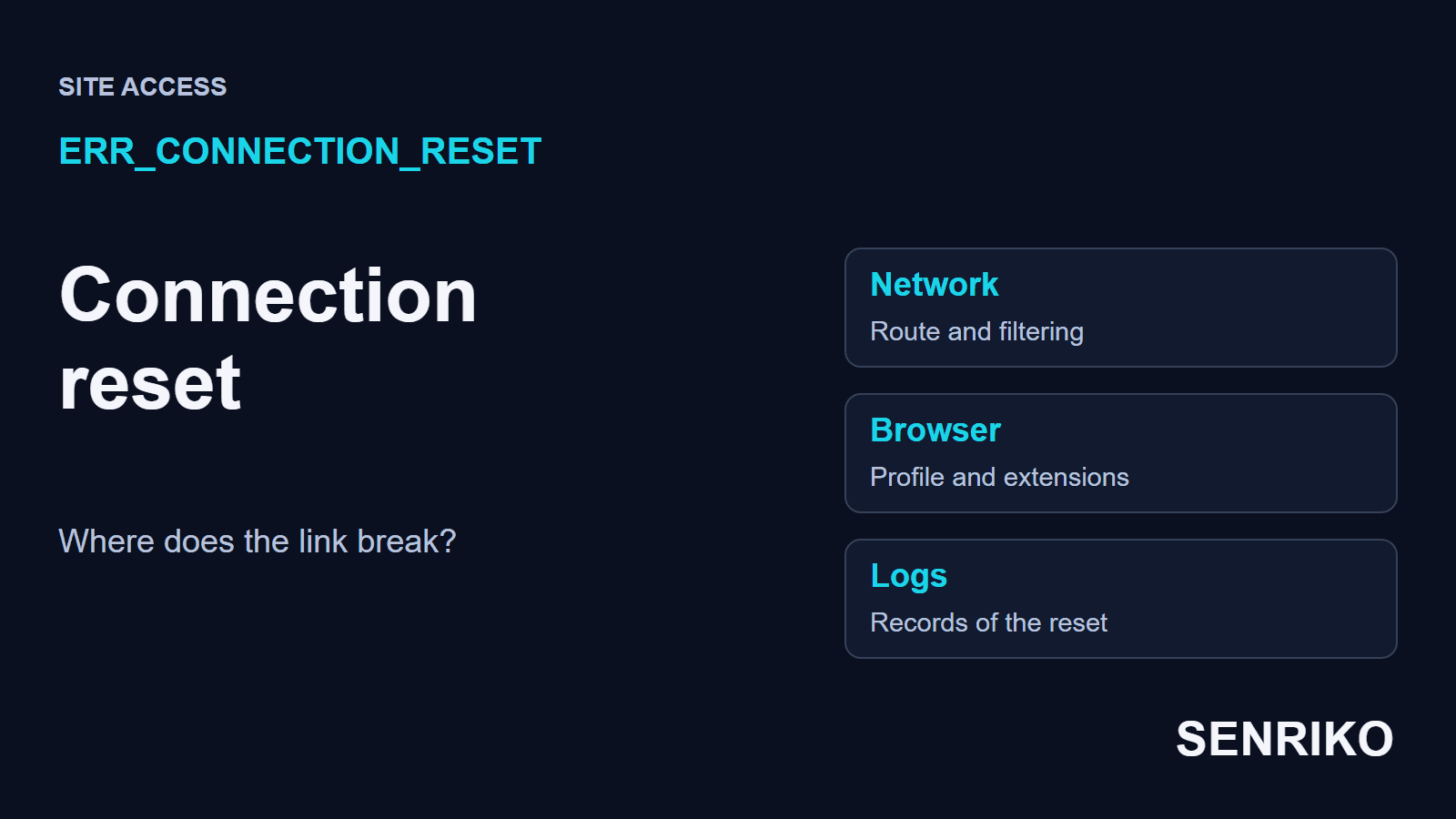
Chrome shows it as “This site can’t be reached” with the line that the address “refused to connect”. The browser asked to connect to an address and a port and was turned down, so no page and no HTTP status ever arrived. Chromium’s list of network errors gives it the number -102 and the words “A connection attempt was refused”.
The usual story is a domain that points at the right server while the web service on it is stopped or listens on another port. The other is a network rule that rejects the connection outright. The error tells you what happened to the attempt, not who refused it; that you have to establish yourself.
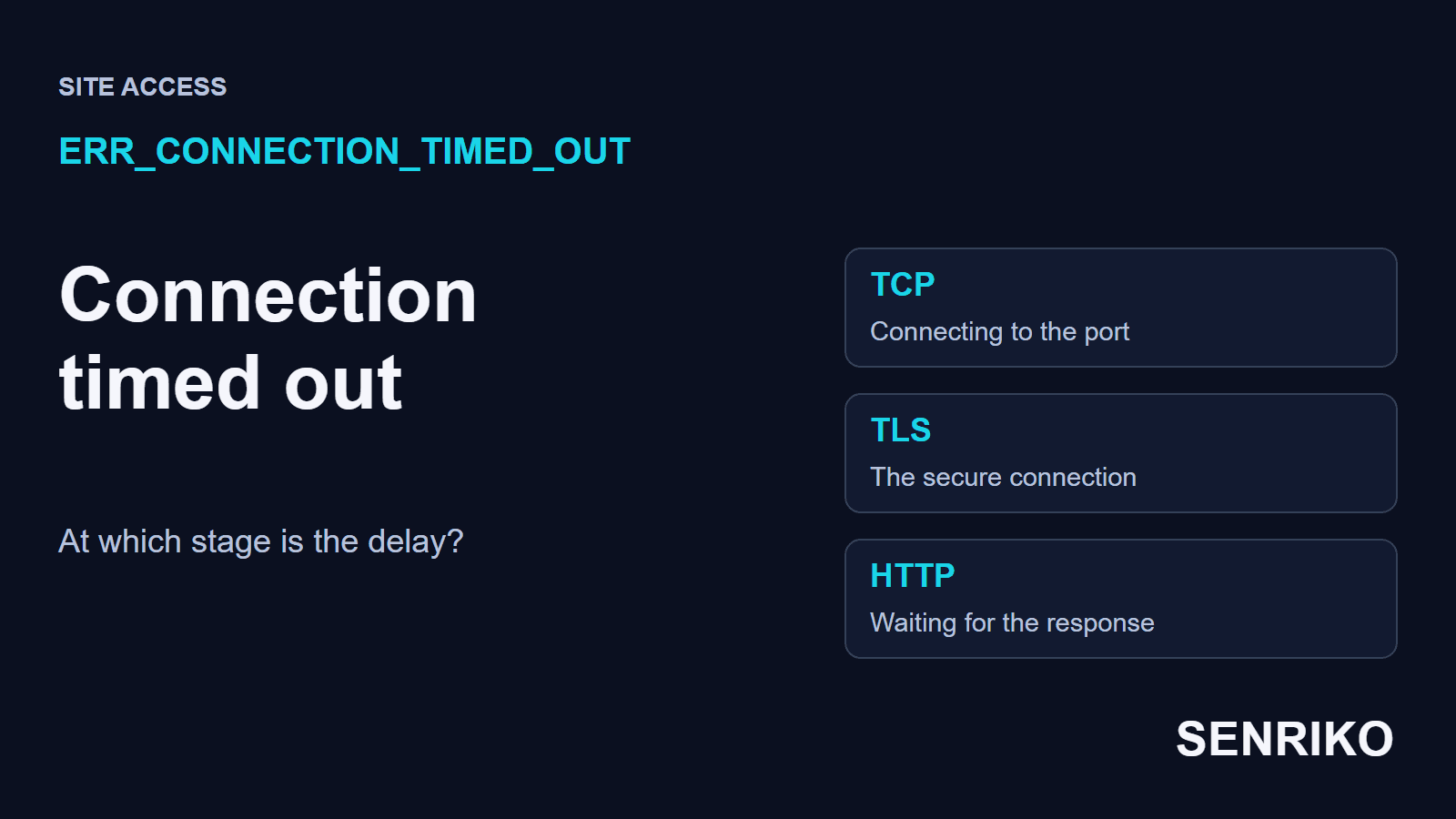
A refusal also tends to come at once, and that is a clue. A port with nothing behind it answers a connection attempt with a reset, the TCP message that ends a connection, as traceroute’s manual describes for its TCP probes. A firewall that silently drops the attempt sends nothing back, and the browser waits until it gives up with ERR_CONNECTION_TIMED_OUT instead.
| What the browser shows | What happened | What to check first |
|---|---|---|
| ERR_CONNECTION_REFUSED | The attempt to connect was turned down | The service, the port, the address, the access rules |
| ERR_CONNECTION_TIMED_OUT | The attempt to connect never finished in time | Whether the port is reachable, and the network route |
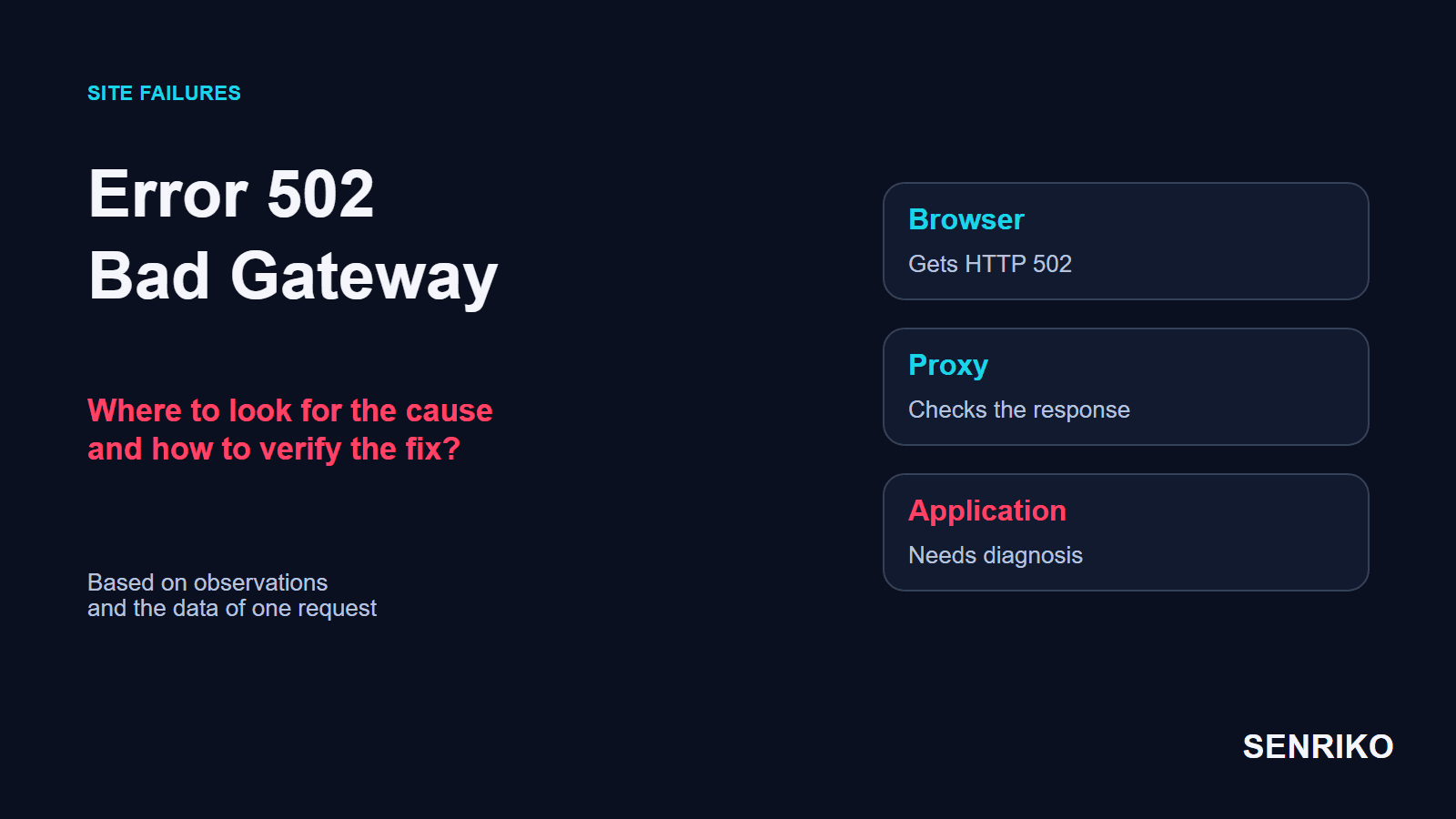
| HTTP 502 Bad Gateway | A gateway answered, reporting an error from the server behind it | The gateway’s and the application’s logs |
| Cloudflare error 521 | Cloudflare reached your domain, but your server refused Cloudflare | The origin’s web server and its firewall |
If you got a 502 rather than a browser error, read our guide to 502 Bad Gateway: that request got further and fails at another stage.

How do you tell whose side refused the connection?
Open the same address over mobile data and compare. The scheme, the domain and the port must match: a homepage that opens over HTTP says nothing about another page over HTTPS.
- Copy the full address from the device that fails. Look for typos and for a port written after a colon, especially in links to admin panels and test sites.
- Try it on your phone with Wi-Fi off. If it opens, write down the difference between the two networks. The cause is then in the device’s settings, a proxy, a local or intermediate filter, or a server rule for certain addresses.
- On the original network, try another browser or a clean profile. If that works, compare the extensions and the connection settings, turning suspect extensions off one at a time.
- If the refusal repeats on different networks, send the site’s owner the address, the time with its time zone and a screenshot of the error. That is enough to find the attempt in the logs.
A clean profile that works is a reason to look at the main profile’s saved data and settings. Start with that one site’s data: clearing the whole history is more than this comparison needs. On a work computer with a managed proxy, agree any change with your IT team.
What should the site’s owner check on the server?
Start with the web service and its port, then the network rules. A working SSH login proves that one service answers, while the site is served by another. The same goes for ping: an ICMP reply does not test a connection over HTTPS.
On a Linux server with Nginx, if you have access, the first three commands are these:
systemctl status nginx
nginx -t
ss -lntp
The first shows whether the service is running. The second tests Nginx’s configuration: nginx’s own page says it checks the syntax and then tries to open the files the configuration refers to. The third lists the TCP ports that are listening and the processes behind them; seeing the processes may take extra rights.
Read the local address in that list. 0.0.0.0:443 or [::]:443 accepts connections on every interface. 127.0.0.1:8080 accepts them only from the same machine, which is fine for an application behind a proxy on that server and useless for a visitor connecting directly.
Then match what you see with how the site is really built. If HTTPS ends at a load balancer, port 443 has to accept connections there, and the application behind it may listen on another port. An error on localhost is checked on the machine or in the container where that address was opened: for a visitor’s browser, localhost is their own device, so a published link must carry the site’s public address.
If the service runs and listens where it should, go through the local firewall, the cloud’s rules and the load balancer one at a time. Changing every layer at once leaves you unable to say which change brought the site back. Open only the port you need, and only to the clients who should reach it.
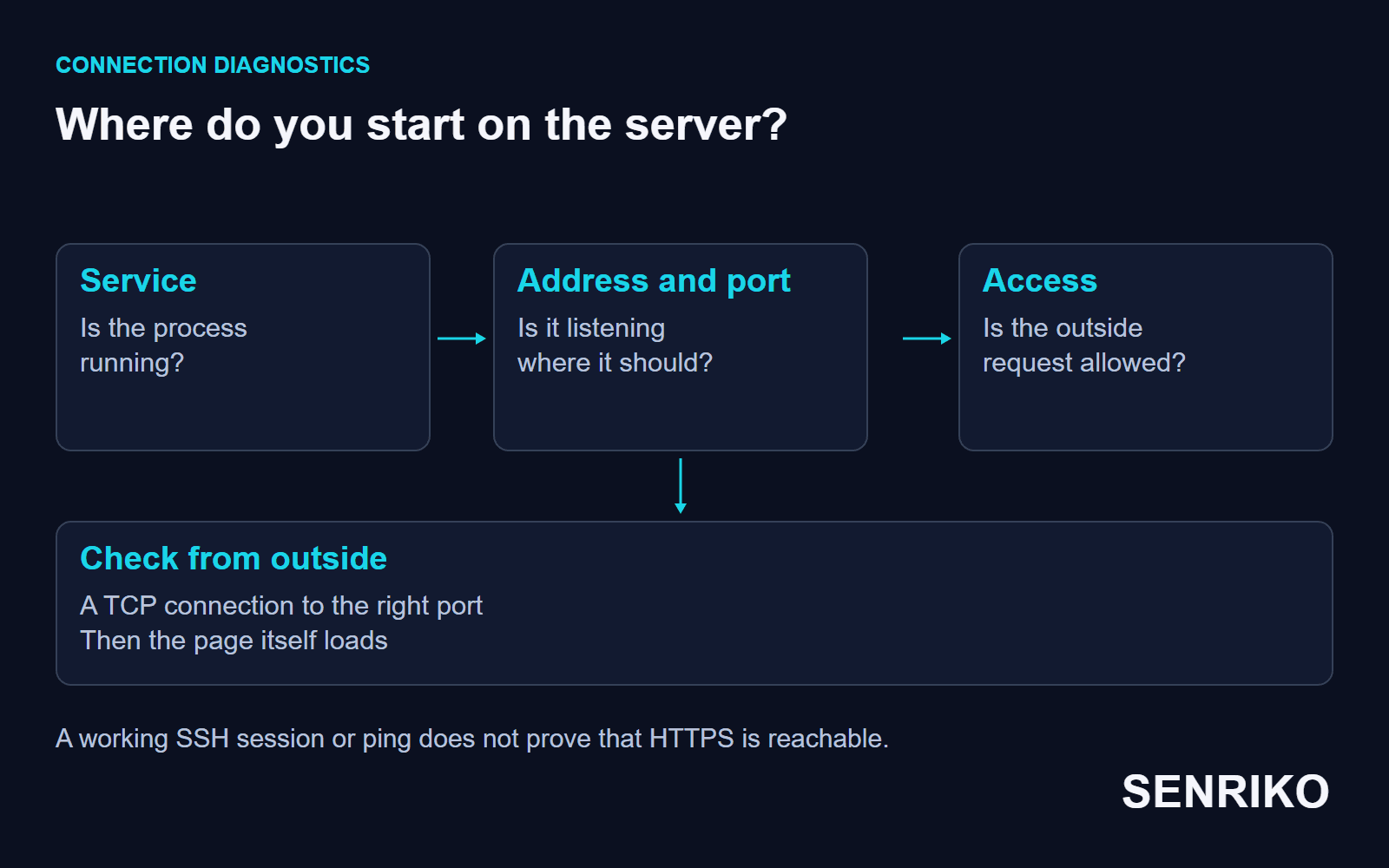
To test from outside on Windows, use PowerShell:
Test-NetConnection example.com -Port 443Put your own domain in place of example.com. TcpTestSucceeded speaks only of the TCP connection; whether the page itself loads is a separate request. Microsoft’s page on the command has the details. On Linux or macOS, curl -v https://example.com/ shows the same refusal in words, as it did in our case below.
Behind Cloudflare, a refusal looks like error 521
With Cloudflare in front of the site, a visitor connects to Cloudflare, and Cloudflare connects to your server. If your server turns Cloudflare away, the visitor gets Cloudflare’s own page instead of a browser error. Cloudflare’s page on error 521 says it occurs when the origin web server refuses connections from Cloudflare, and names two causes: the web server application is offline, or Cloudflare’s requests are blocked.
So the checks above still apply, on your origin rather than on Cloudflare. The one to add is the firewall or security software on the origin: Cloudflare asks you to make sure its IP ranges are allowed and not blocked or rate limited.

Case: Nginx did not start after a configuration update
CaseAnonymous caseA main site and a new landing page on Nginx
Nginx did not start after a configuration update
- What we saw
- After the configuration was updated for a new landing page, the main site stopped opening for every user. SSH access kept working. A request with
curl -vcame back withConnection refusedat once. - What we found
- We checked the web server with
systemctl status nginx. Nginx had failed to start after a reboot: a semicolon was missing innginx.conf. - What we did
- We fixed the typo, tested the configuration with
nginx -tand restarted the service. The site was back 15 minutes after the alert.
- every usercould not open the main site
- 15 minutesfrom the alert to recovery
The order of the checks narrowed it down: SSH answered, so the server itself was up; curl was refused at once, so the web service was not taking connections; and the service’s status said why. Running nginx -t before every reload catches this kind of typo before it takes the site down.
How do you confirm the fix and catch the next refusal?
Repeat the original request from an outside network and open exactly the page that failed. A process shown as running does not yet prove that a visitor reaches that address.
Use the scheme and the domain from the original link, and wait for the page to finish loading. If it pulls files or an API from separate subdomains, check that those still load too. If refusals come back, save the time of each one and lay it beside the configuration changes and the service’s restarts.
An outside check shows access from its own vantage point. A refusal that happens only inside an office is reproduced on the office network and matched with its access rules.
Add the page to SENRIKO’s availability monitoring to have it checked on a schedule. It is on every plan, and the domain, DNS and certificate are checked every day. A page that cannot be reached at all is reported as such, after two failed attempts out of three, and before that alert a second location outside our data centre tries the same address; if the page opens there, no alert goes out. Finding the cause in the server’s logs stays with you. Add the same address that was refused, so its history stays comparable. What each plan includes is on the pricing page.
Frequently asked questions about ERR_CONNECTION_REFUSED
What does ERR_CONNECTION_REFUSED mean?
Is the problem on my side or the site’s?
Why does localhost refuse to connect?
SSH works, so why is the site refused?
What is the difference between refused and timed out?
Why do I see a Cloudflare 521 instead?
Sources
- net_error_list.h: Chromium’s network error codesChromium
- Command-line parametersnginx
- Test-NetConnectionMicrosoft Learn
- traceroute(8)Linux manual page
- RFC 9293: Transmission Control ProtocolIETF
- Error 521Cloudflare Support
- Pricing and levels of checksSENRIKO