Contents
- What does a 429 Too Many Requests error mean?
- Who set the limit, and which visitors does it hit?
- How should you retry after a 429?
- How does a loop in the front end create extra requests?
- How do you limit bots and still serve shoppers?
- How do you check the recovery and set up monitoring?
- Frequently asked questions about 429 Too Many Requests
With a loop in a notifications component, you fix the behaviour of the browser. If a fast scraper has used up the shared quota of a catalogue, you have to split the effect of the sources and keep the protection of the server.
What does a 429 Too Many Requests error mean?
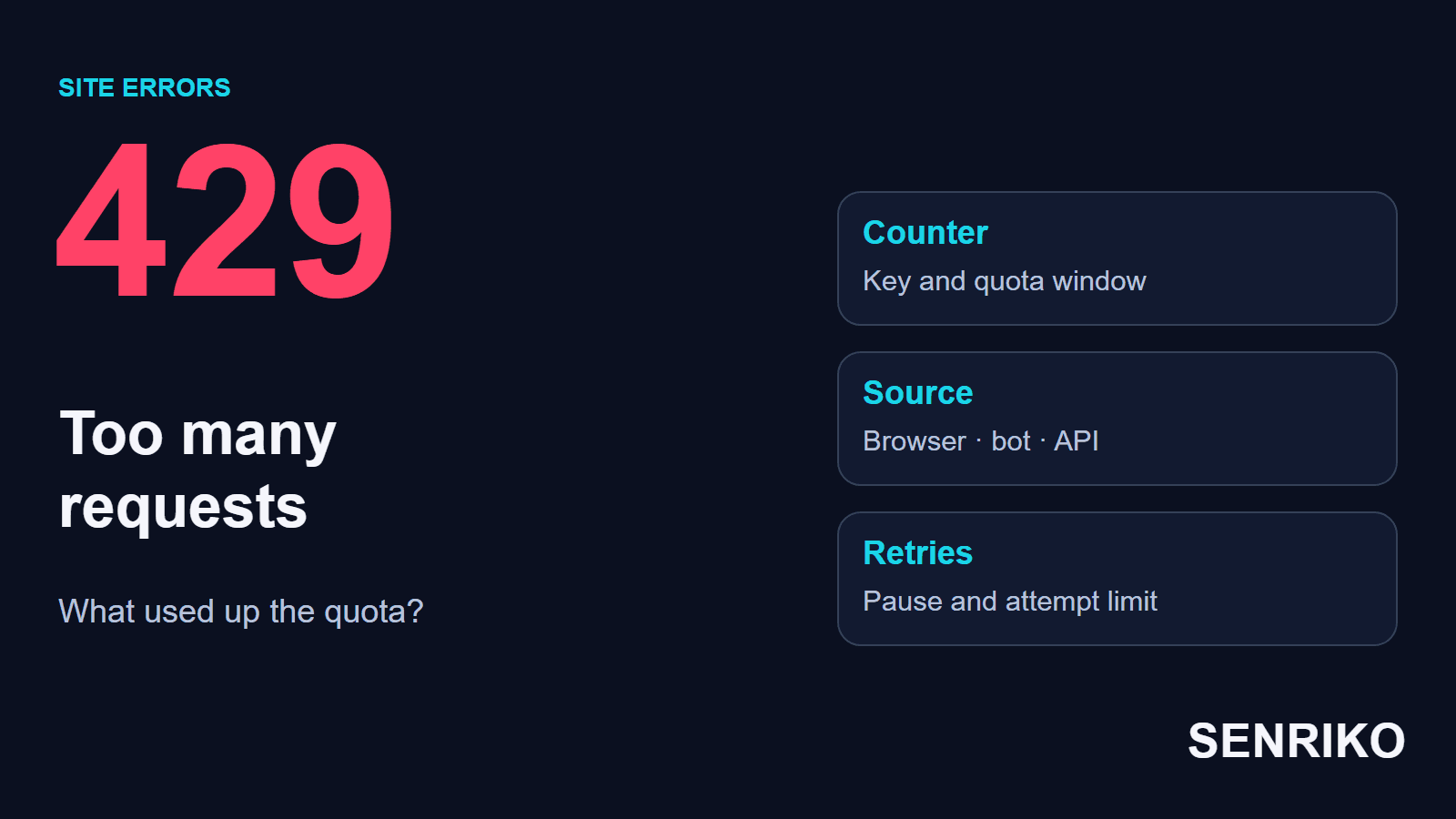
HTTP 429 reports that the permitted rate of requests was exceeded. To understand a refusal you need two conditions of the setup: over what time the quota is counted, and what puts requests into one group. A counter can belong to an IP address, a user, an API key, a resource or a mix of these. MDN says that restrictions may be server-wide or per resource, and are typically based on the client’s IP but can be specific to users or authorised applications.
RFC 6585 describes the status 429 Too Many Requests: the user has sent too many requests in a given amount of time. The response may carry Retry-After with how long to wait before the next request. The status itself sets no universal number of requests and no blocking time that is the same for every site; the RFC does not say how the origin identifies the user or counts requests. It also says that a 429 response must not be stored by a cache.
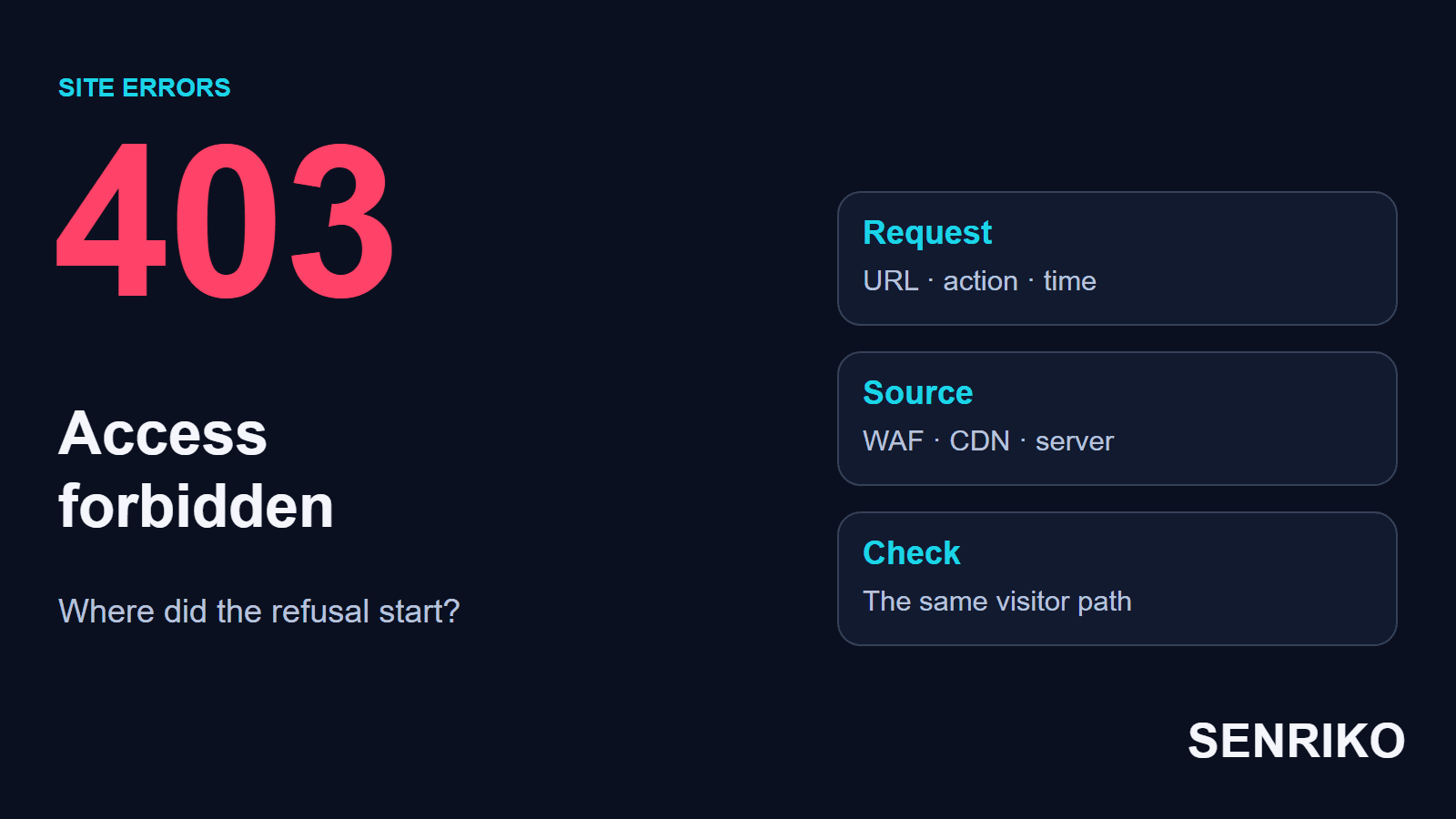
A 403 is about a refusal of access in the current conditions, and a 503 means the server temporarily cannot handle the request. With a 429 you check the quota and the behaviour of the clients. The technical implementation decides which code a given limiter uses to report a refusal, and the RFC adds that a server is not obliged to use 429 at all: under an attack it may be better to drop connections than to answer every request.
A visitor to someone else’s site should wait out the pause that was given, stop any needless automatic refreshing and repeat the action at an ordinary pace. If the message stays, give support the address, the time and a description of the operation. Those details let them find the rule and its scope.

Who set the limit, and which visitors does it hit?
For a 429 on a website you have to find the rule and the group of requests it applies to. The scale of the fix depends on it: one account, a shared network or the whole flow to a resource.
- In DevTools → Network select the failed request. Save the URL, the method, the time, the response, Retry-After and the identifier, if there is one. Also look at how many requests the browser sent to this address before the refusal.
- Match the request with the logs of the CDN, the load balancer and the application. Establish which rule fired and what it counts: requests from one IP, actions of a user or the whole flow to an address.
- Check how the refusals are spread. A failure for one session only, for all visitors on one network and for the whole site point to different scopes of the restriction. To draw a conclusion you need comparable requests, not only a general chart of errors.
- Check the external dependencies. If the application calls a third-party API, the quota of the site itself may be the one that ran out. Find out how the application passed that refusal on to the visitor.
| Where the limiter is | What to look for |
|---|---|
| A CDN or a protective layer | The rule that fired, the key it chose and how long the restriction lasts |
| A web server or a load balancer | The effective limit settings and the records of rejections |
| The application | A limit on an account, an operation or a resource |
| An external API | The quota of the integration, the vendor’s response and how repeats behave |
In Nginx the directive limit_req_status sets the code returned for a refusal by the built-in limiter, and by default it is 503. So the presence of a rate limit does not mean that Nginx will necessarily return a 429. The same page shows a zone keyed by $binary_remote_addr, the client address, and explains that burst sets how many excess requests are queued and nodelay serves them at once instead of delaying them. Check the effective configuration and the actual response. Cloudflare returns a 429 when a request is being rate limited, and says the visitors’ 429s show in its Rate Limiting Analytics dashboard.
Keep the link between the visitor’s request and the call to the API vendor. The application can convert the original status, so the logs need both results and the shared context of the operation. That is how you tell an exhausted quota of the integration from a limit on the visitor.

How should you retry after a 429?
Before a retry, find out what the action leads to. To read a catalogue it is enough to manage the pause and the number of attempts; for an order, an enquiry or a payment you first check the result of the earlier operation.
Duplicate protection has to be supported by the server. An identifier passed by the client helps only when the handler really uses it for this purpose. After the result is checked, you can pick the moment of the next attempt.
For example, a server may return this response:
HTTP/1.1 429 Too Many Requests
Retry-After: 120
In this example the value means a wait of 120 seconds. Retry-After also has the form of an HTTP date, which gives the moment after which the request can be repeated; MDN describes both forms, and notes that support for the header is still inconsistent on clients and servers, though crawlers like Googlebot honour it.
Set a limit on the number of attempts and respect Retry-After. If the refusals go on, lengthen the pause; a small random spread of the delays will help to distribute the repeat requests of different clients. When the limit is reached, the interface should tell the user the result and what to do next. Those conditions are needed when there is no Retry-After as well.
In the interface it helps to explain the pause and to remove the chance of starting the same pending operation again and again. That helps the visitor to wait for the result and reduces the flow of repeat requests from several open tabs.
How does a loop in the front end create extra requests?
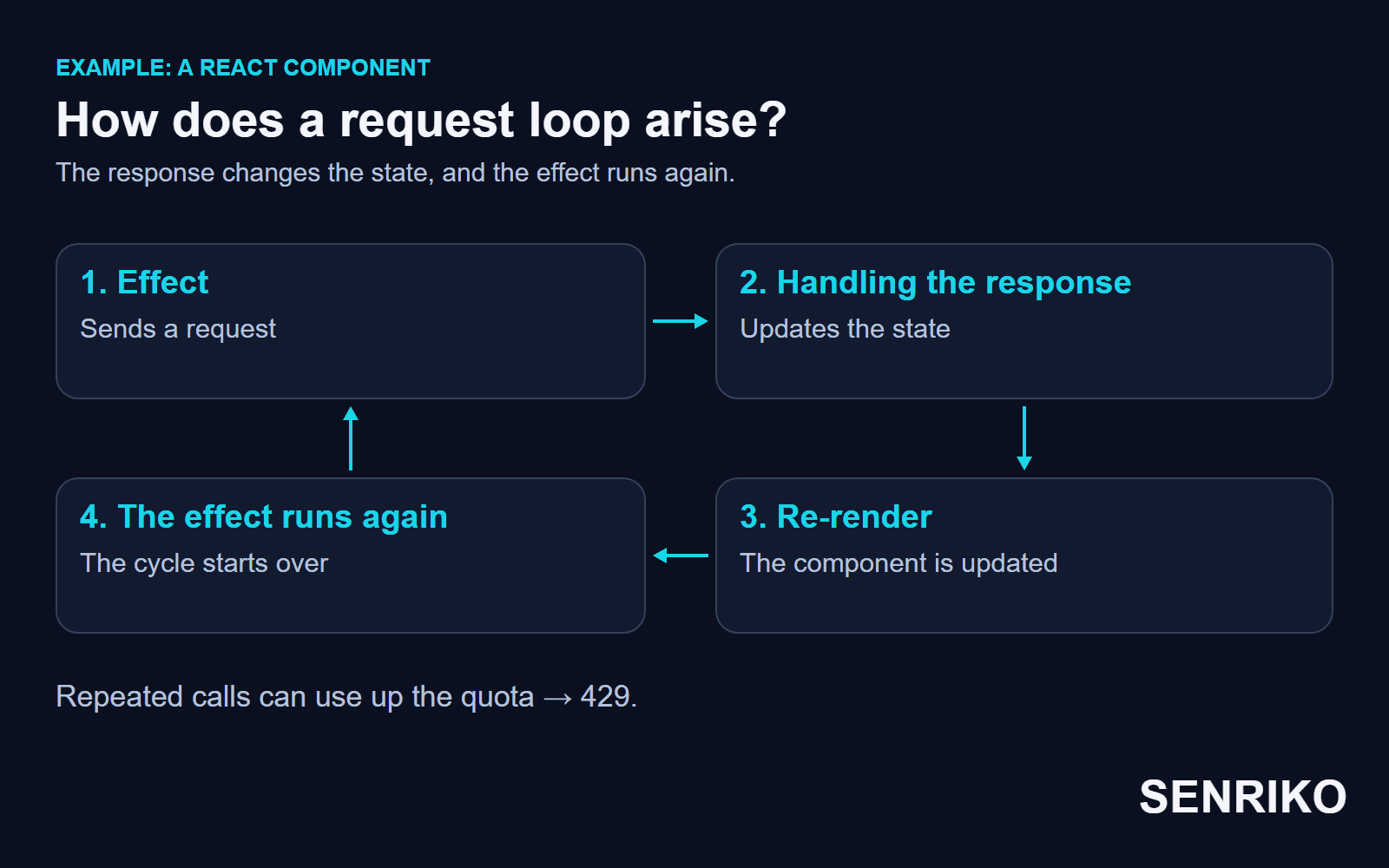
A request can repeat after every update of the interface, if an effect runs again and changes the state. Then the activity of an ordinary session begins to look like an uncontrolled automatic polling of the API.
CaseIllustrative exampleA fictional React notifications component
The effect runs again after every re-render
- What you see
- Picture a React notifications component. An effect requests data, the response is written to state and the component re-renders. If the effect runs after every such re-render, it sends the request again. The chain goes on until the limiter starts to reject the requests.
- What to look for
- In Network look for repeated calls to one endpoint within one session, and match the calls with updates of the state. A general rise of traffic can come from different visitors; to prove a loop you need a repeatable sequence inside the client.
The React documentation describes when an effect runs after updates and what causes an endless feedback. With no dependency array an Effect runs after every commit of the component, but for an endless cycle two things must be true: the Effect updates some state, and that state leads to a re-render that changes the Effect’s dependencies.
An empty array [] suits an effect that uses no reactive values. For a request that depends on a user, a filter or a chosen product, you list those values and check that the effect cleans up and drops stale requests. React’s own example does it with an ignore flag that the cleanup sets, so that responses arriving in another order do not overwrite newer data. Otherwise the component risks carrying on with old data.
After the fix, reproduce the ordinary path and look at the number of requests per action. The check should show that the chain of repeat calls has ended. A raised limit can hide the earlier behaviour for a while; keep a check of the request rate after an action for the next release.
How do you limit bots and still serve shoppers?
Choose the scope of the restriction so that the activity of one source does not use up the quota of all visitors. At the same time the server’s resources have to stay protected from the total load.
CaseIllustrative exampleA fictional product catalogue
One shared counter for the whole catalogue
- What you see
- Say an automatic scraper quickly goes through the product pages of a catalogue. One shared counter is set on the whole catalogue address. It reaches its threshold, and together with the scraper, shoppers who opened just one page get the refusal.
- What to check
- First check how the requests are spread and what they cost to handle: which addresses are called, how often, and what happens to the database and the cache. When unwanted activity is confirmed, apply targeted filtering rules. That an IP belongs to a hosting provider does not in itself prove that a competitor sent the requests.
For shared quotas, consider splitting by client, by account and by type of operation. A heavy search can have a different limit from serving an image from the cache. The general protection against overload is kept separately, if the design of the service needs it.
One external IP can combine the staff of an office, the subscribers of a mobile operator or the users of a proxy. RFC 6269 describes the effects of sharing addresses and concludes that, where sharing is widespread, blocking by address simply will not work, because one user’s behaviour can block the others on the same address. After a change, check the result for such groups and the use of the shared quota.
If the requests are created by the site itself, you fix the generator: repeat calls, polling that is too frequent, missing caching or loading of needless data. Splitting the counters helps to localise the effect of a client, but it does not remove the cause of the needless work.
How do you check the recovery and set up monitoring?
Check the earlier path of an ordinary visitor and make sure the requests fit the intended mode. Then watch the refusals by the address, the rule and the group of clients you need.
After a fix it is useful to answer four questions:
- how many requests one expected action creates;
- which key and which window the limiter uses;
- whether only the client that used up its own quota gets the refusal;
- how the interface and the integration behave during the pause.
In an ordinary control check, go through the earlier path at a normal pace and look at the requests and the result of the action. Checks of the threshold itself and of several clients working together are planned separately, for an agreed test environment or a permitted load test.
For search there is a separate point. Google treats a 429 as a signal that the server is overloaded and slows its crawling for a while, and it removes from the index the URLs that persistently return a server error. That differs from the usual handling of 4xx, so when crawling has problems, check the answers that the search robot itself gets.
When you go through an incident, take into account who got the 429: the checking client or an ordinary visitor in the same scenario.
Add the site to SENRIKO monitoring to check availability, the important pages and the forms. The availability check marks a page that answers with a 4xx code as failed and reports its status, and that includes a 429: SENRIKO’s own check is one more client that a limit can refuse. On an alert, match the request of the check with the restriction rules and with the ordinary user path. That gives you the context to decide: fix the needless calls, adjust the quota or restore access for the group that needs it.
Frequently asked questions about 429 Too Many Requests
What does 429 Too Many Requests mean?
How long should you wait after a 429?
Why do I get a 429 when I have hardly done anything?
Does a 429 hurt search visibility?
Does Nginx rate limiting return a 429?
Is it safe to retry an order after a 429?
What causes a request loop in React?
Sources
- RFC 6585: Additional HTTP Status Codes (429 Too Many Requests)IETF
- 429 Too Many RequestsMDN Web Docs
- Retry-AfterMDN Web Docs
- Module ngx_http_limit_req_modulenginx
- Error 429Cloudflare Support
- useEffectReact
- How HTTP status codes affect Google’s crawlersGoogle Crawling Infrastructure
- RFC 6269: Issues with IP Address SharingIETF
- Pricing and levels of checksSENRIKO