Contents
- What does 422 Unprocessable Entity mean?
- How do you find the field or rule that rejected the request?
- Case: the phone number went as a number, not a string
- Case: the CRM began to require a new field, source_type
- How do you tell a form’s refusal from the next integration’s?
- How do you check the form after the fix?
- Frequently asked questions about 422 Unprocessable Entity
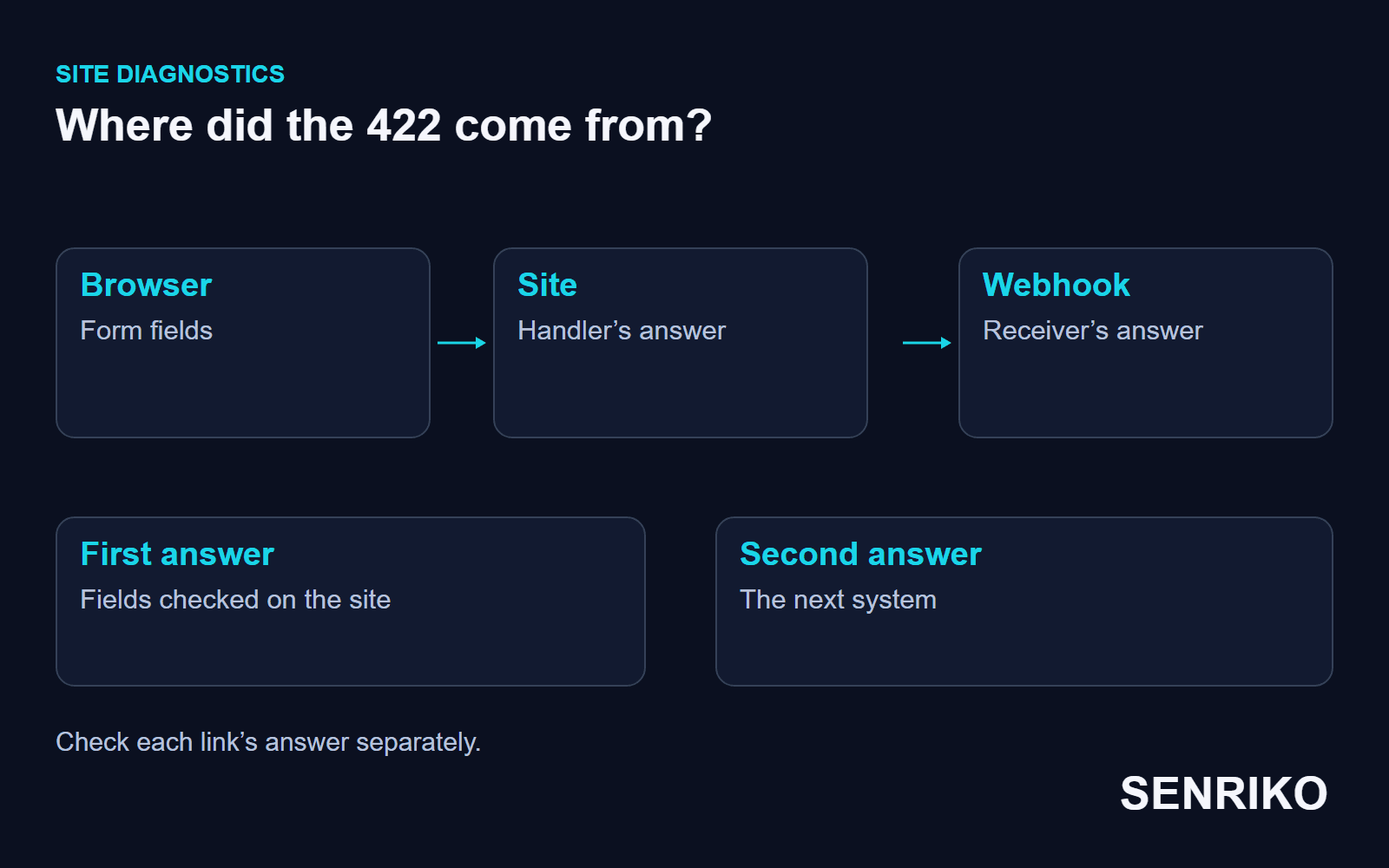
In one of our projects it was the next service that refused data already sent to it, after the CRM changed its required fields. When results disagree like that, check the form’s answer on the site and the webhook’s answer separately.
What does 422 Unprocessable Entity mean?
A 422 means the server understands the content type and the syntax of the request, but cannot process the instructions in it. RFC 9110 now calls the status Unprocessable Content and gives the example of well-formed XML with semantically wrong instructions; the older name, Unprocessable Entity, lives on in many frameworks and services.
| Answer | What to check |
|---|---|
| 400 Bad Request | The structure or another condition of the request itself; read the service’s own answer |
| 415 Unsupported Media Type | Whether the server accepts the content type or encoding you sent |
| 422 Unprocessable Content | The format was parsed, but the content or the action fails the processing rules |
Fix the data the server rejected before you retry. An empty required field, a wrong type and a broken business rule each need a different action, and the answer’s text and the API’s contract show which.
An API can return 422 by design for data it does not accept. If a correct path through the form ends in a refusal, or the interface hides the reason, check the validation rule and the message the person sees. Our guide to 400 Bad Request covers the broader refusal.
How do you find the field or rule that rejected the request?
Reproduce the submission on the form where the error appears. Look beyond the status: the address, the method, the fields actually sent, the format header and the body of the answer. Use test data, so that real contacts do not end up in technical examples.
- Open the Network tab in Chrome before submitting. Chrome DevTools’ reference shows how to read the request and the answer separately.
- Find the request with the 422. Compare the names and types of the fields in Payload with what the handler requires: a
phonesent as a number is not the field an API expects as a string, as our case below shows. - Read the Response. If the API names the field and the rule, start there. If it returns only a general refusal, match the time of the request with the application’s log and its validation rule.
- After the fix, repeat the same request and check the action really happened. A 422 gone from the browser is not the same as the lead appearing in the system it should reach.
Keep the server’s answer apart from checks before sending. If Network shows no request to the handler, the form stopped in the browser and no server could have answered 422. If the request is there, read its Payload and Response; a button’s label or a pop-up alone does not show which of the two stages failed.
If the problem appeared after a frontend update, compare the old and new format of the submission. If the receiving system was updated, read its documentation on new required fields. The same status can come from different links, and a fix on the first does not fix the second.
Case: the phone number went as a number, not a string
CaseAnonymous caseUser registration, a frontend and Laravel
The phone number went as a number, not a string
- What we saw
- After a frontend update, user registration stopped working. The failure was silent: the form simply did not submit.
- What we found
- Laravel’s logs on the backend showed a validation failure. The frontend had started sending the phone number as an integer, while the backend strictly required a string because of the
+. - What we did
- The frontend now casts the value to a string in the JSON payload. Synchronising the frontend and backend teams took an hour.
- 1 hourto synchronise the frontend and backend
A failure like this is found by comparing the data actually sent with the validation rule, not by the text on a button. In Laravel it is also easy to read: Laravel’s validation page says a failed validation on a request that expects JSON returns a 422 with a JSON body made of a message and an errors object keyed by field. For a case like ours the answer would look roughly like this:
{
  "message": "The phone field must be a string.",
  "errors": {
    "phone": ["The phone field must be a string."]
  }
}
Case: the CRM began to require a new field, source_type
CaseAnonymous caseWeb forms and a third-party CRM by webhook
The CRM began to require a new field, source_type
- What we saw
- Leads stopped reaching a third-party CRM from the site’s web forms by webhook.
- What we found
- The team tested the webhook in Postman and got a 422. The cause was a new required field,
source_type, which the old payload did not send. - What we did
- The team read the CRM’s updated documentation, which took 40 minutes, and added the static value
"source_type": "website"to the sending script.
- source_typea new required field in the CRM
- 40 minutesreading the CRM’s updated documentation
Here the 422 came from the third-party CRM in answer to the webhook, not from the form’s handler on the site. The webhook test and the receiver’s documentation found the changed contract.
How do you tell a form’s refusal from the next integration’s?
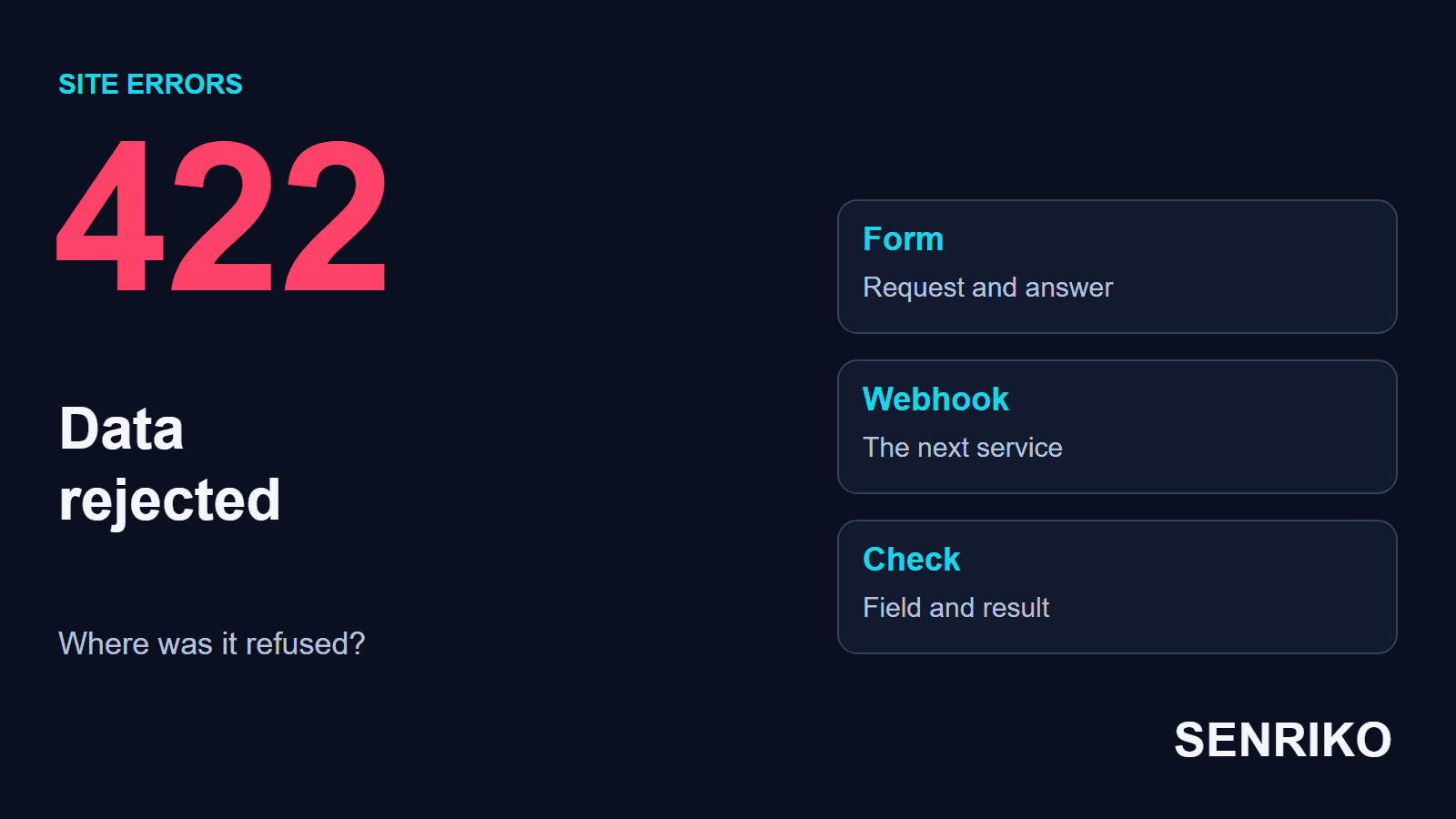
Write down two results separately: what the site’s form handler answered, and what the system receiving the data next answered. A 422 straight from the site stops the visitor at the first step. A refused webhook can leave the form showing success while no record appears in the next system.
Look for the receiver’s own answer in the integration’s log: if the sending happens on the server, its 422 never appears among the visitor’s browser requests. For each link, write down who sent the request, who answered and with what status.
This needs an identifier that follows the test lead end to end, or another agreed way to find it in the logs. Match the time, the receiver’s address and each request’s status. If the data contains contacts, a test identifier and the name of the faulty field are enough for a working report.
SENRIKO does not connect to a CRM or read its fields. If you add the CRM delivery receipt to your CRM’s rule, the receipt confirms that a test lead arrived; it does not show what was wrong with a field. In our case the webhook test and the CRM’s own documentation showed the cause.
How do you check the form after the fix?
Repeat the original path with correct test data. Check the site’s answer, a clear confirmation for the visitor and that the next step really happened; if the integration’s contract changed, confirm the record in the receiving system too.
Do not use an API address that expects a POST body for an ordinary availability check: a GET without the required data can lawfully get a 422 there. A public page and a form handler are checked as different actions.
To watch a form on your own site, add it to SENRIKO. Once you confirm you own the site, real test submissions run, and the check shows the server’s answer and the conversion signal. What each plan includes is on the pricing page. Add the form where the 422 appeared, and keep one successful repeat as your point of comparison.
Frequently asked questions about 422 Unprocessable Entity
What does 422 Unprocessable Entity mean?
What is the difference between 400 and 422?
How do I find which field caused the 422?
Why does Laravel return 422?
The form says “sent” but the lead never arrives. Could it be a 422?
Will retrying the request help?
Sources
- RFC 9110: HTTP Semantics (422 Unprocessable Content)IETF
- ValidationLaravel documentation
- Network features referenceChrome DevTools
- The CRM delivery receiptSENRIKO
- Pricing and levels of checksSENRIKO