Contents
Why store the GCLID with the lead?
The GCLID, Google Click Identifier, is the parameter Google Ads adds to your landing URL when auto-tagging is on. Stored with the lead, it lets you import the sale back into Google Ads as an offline conversion and tie it to the click that started it.
None of this happens by default. Your site has to capture the value on landing, keep it, and send it with the form, and your CRM integration has to write it to the right field. Google’s own setup guide uses a hidden form field and keeps the ID in localStorage for 90 days.
An empty GCLID is not always a fault. For some iOS traffic Google uses GBRAID or WBRAID instead, so to diagnose, pick a visit that really arrived with a gclid. Google’s enhanced conversions for leads supplements imported conversions with hashed user-provided data such as an email address; it helps measurement, and it does not replace fixing the path.
Where does the click ID go missing?
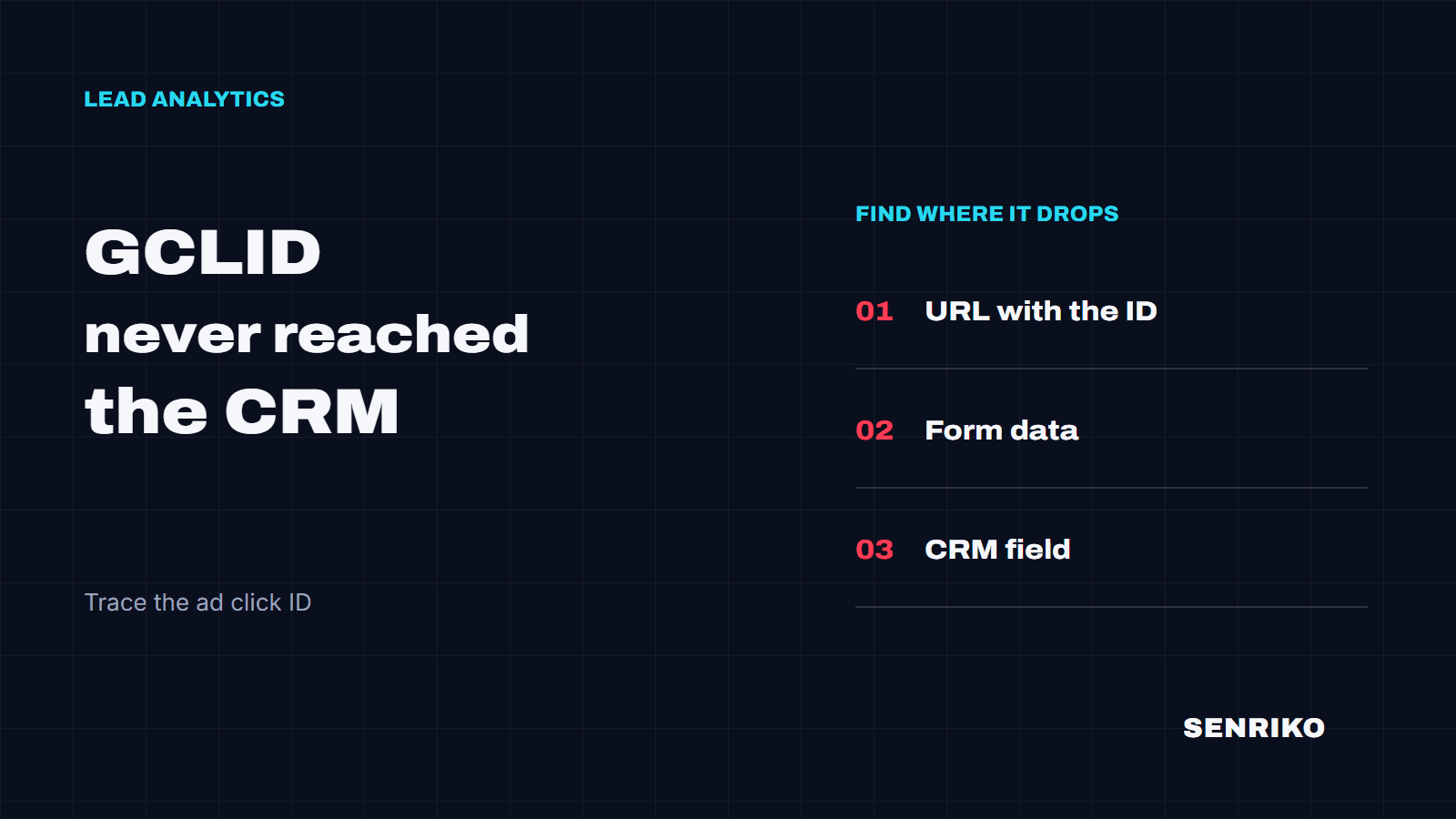
Find the first stage where the original value is gone. If the ID is in the form’s request, move on to the server handler and the CRM integration.
| Stage | What to check | Where to look |
|---|---|---|
| Redirect | The parameter is on the landing URL but not on the final one | A redirect rule that drops everything after ? |
| Moving around the site | The ID is there on landing but gone when the form opens | A script that reads only the current URL, with nothing saved earlier |
| Form request | The ID was saved but is missing from the data the form sends | How the field is filled and the request is built |
| CRM | The ID is in the request but the lead record is empty | The handler, the field mapping and the CRM’s own rules |
Two cases from our team’s work
CaseAnonymous caseGoogle Ads · redirect
An HTTP to HTTPS redirect
- What we saw
- The Google Ads link carried
gclid, but the server answered with a 301 to an address without any parameters. - What we found
- In the Network tab of the browser’s developer tools, the
Locationheader, the address of the redirect, held a clean URL. The ID never reached the form. - What was done
- Once the server rule was fixed, the query string survived the redirect and the GCLID started reaching the CRM.
- 301to an address without parameters
CaseAnonymous caseFacebook ads · blog and pricing
From a blog post to the pricing page
- What we saw
- In the second project the ID being lost was
fbclid, Facebook’s click ID, but a GCLID breaks the same way. Visitors arrived from an ad, read a blog post and opened the form on the pricing page. - What we found
- The script read the ID from the current URL at the moment of submission, and on the new page the parameter was no longer there. The value only came through when the lead was sent from the first page the visitor landed on.
- What was done
- We captured the ID on landing and saved it in a cookie, and the form now reads the saved value. This project chose a 30-day lifetime for the cookie.
- 30 dayscookie lifetime in this project
How do you trace a lost click ID?
Follow one known click ID, the identifier of a single ad click, from the landing URL to the CRM record, along the route a visitor really takes to the form.
Compare the landing and final URLs
In the Network tab, turn on Preserve log to keep the whole chain, and check the parameter after every redirect. For server redirects, curl shows the same chain from a terminal.
curl -sIL "https://example.com/?gclid=test" | grep -i "^location"Open the form the way visitors do
Reach it through the menu and other pages, and check whether the value is kept in the cookie or the browser storage your site uses, in the Application tab.
Send a test lead
An empty hidden field before submit is not always an error: some form tools fill it on submit or on the server. Compare the saved ID with the form’s request, then with what your server handler received. Keep the full value and its letter case.
Find the lead in the CRM
Compare the ID field with what you sent. If the ID was in the request but the record is empty, read the logs of the handler and the integration.
How do you fix a missing GCLID?
A redirect has to forward the query string, which is also Google’s advice on redirects losing click data. In Nginx that means $request_uri rather than $uri; our article on UTM parameters lost after a redirect covers Apache and Cloudflare too.
For a form on a later page, capture the ID on landing, keep it, and fill the hidden field from storage. Choose a lifetime that covers your sales cycle and the import window of the source you upload from: Google’s guide keeps the ID for 90 days, and the second case above chose 30. The same capture carries UTM parameters; our article on empty UTM hidden fields has a short script.
Safari keeps it for seven days
WebKit deletes a site’s script-written storage, localStorage included, after seven days of Safari use without interaction on the site. If leads take longer than that, keep a copy on your server as well.
What can SENRIKO show you?
The free UTM Survival Test helps with the first two rows of the table: redirects and the way to the form. It opens the page in a real browser, follows server, script and meta redirects, and reads form fields and browser storage. A form on another address is opened directly.
If a redirect rule or a script drops the whole query string, gclid goes with the UTM parameters, and the test shows that break. It does not check ad click IDs themselves, fill in or send the form, accept a cookie banner or see your CRM, so a clean UTM result does not prove that your click IDs get through.
SENRIKO’s form monitoring is on every plan, Free included. After you sign up and verify that you own the site, it opens your form in a browser on a schedule and submits it with test data or, in safe mode, stops the request before it reaches your systems. The report shows what was confirmed: the server’s response, the conversion signal, the confirmation email.
Its campaign data check, also on every plan, adds utm_medium=senriko-check and utm_campaign=senriko-attribution to the test visits and shows the step where they are lost before the form is sent.
SENRIKO does not check ad click IDs (gclid, fbclid, msclkid, gbraid, wbraid) and does not track whether a lead reaches your CRM. To find its test leads in your CRM, or filter them out, use the fixed test details and the filter recipes SENRIKO gives you. Matching the click ID on the lead record is the manual check above.
Why is the GCLID missing from my CRM?
How long should I keep the GCLID?
Why do some Google Ads visits arrive without a gclid?
Does the UTM Survival Test check gclid?
Sources
- Google Click Identifier (GCLID): DefinitionGoogle Ads Help
- About auto-taggingGoogle Ads Help
- Set up offline conversions using Google Click ID (GCLID)Google Ads Help
- Troubleshoot: Website redirects are losing click dataGoogle Ads Help
- Updates to iOS 14+ campaign measurementGoogle Analytics Help
- Configure the Google tag for enhanced conversions for leadsGoogle Ads Help
- Full Third-Party Cookie Blocking and MoreWebKit blog