Contents
- What does 413 Request Entity Too Large mean?
- How do you find the limit on the request body?
- Case: Nginx refused video previews in a shop’s admin
- Which limits do you change, and how do you line them up?
- Case: an import ran into Cloudflare’s limit
- How do you check a real upload after the fix?
- Frequently asked questions about 413 Request Entity Too Large
In one of our projects the answer came in a shop’s admin. Nginx’s log showed the request body was over the limit, and once that limit was raised the uploads worked again.
What does 413 Request Entity Too Large mean?
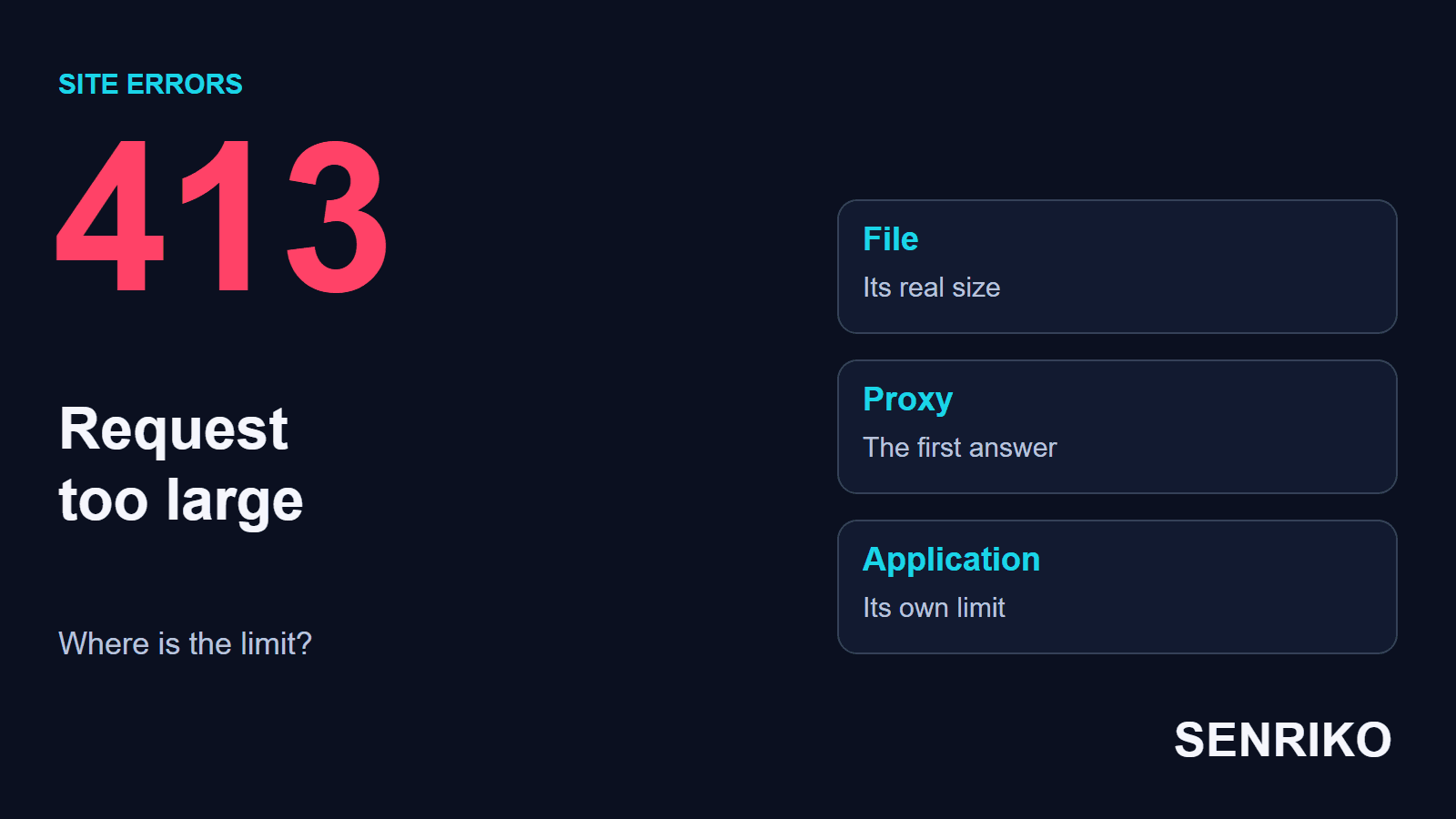
A 413 says the server refuses to process a request because its content is larger than it is willing or able to accept. RFC 9110 now calls it 413 Content Too Large; it adds that the server may close the connection, and should send a Retry-After header if the condition is temporary. Older error pages and logs, nginx’s among them, still print 413 Request Entity Too Large, and some services say Payload Too Large: it is the same status.
For a form with a file, tell apart the size of the file and the size of the whole request body, which also carries the other fields and the framing of the upload. The limit can also sit in front of the application, in a CDN, a reverse proxy or the web server. With several files, the body’s total size counts, while each attachment may be checked on its own as well. So raising PHP’s limit does nothing if Nginx has already refused the request.
A 413 does not mean the disk is full. It says this request’s content was refused at this size. The developer’s job is to find which node returned it and what limit suits this route.

How do you find the limit on the request body?
First reproduce the refusal with a file that really failed. Note the URL, the method, the size, the time and the answer. Then shrink the file until it goes through: the comparison tests the idea of a limit, though it does not yet name the node that set it.
- In Network, find the upload request. Check the address and method the form uses, whether the 413 comes straight after the upload starts, and whether the answer shows signs of a service in between.
- Match the time with the entry node’s log. With Nginx, a message about a request body that is too large can appear in
error.log; nginx’s page on `client_max_body_size` ties going over it to the 413. - If there is a CDN or another proxy in front, check its limit separately. Sending the file by a direct internal route and through the public domain tests different links, so compare the results with that in mind.
- If the request reached the application, check its own limits. For PHP that is
post_max_sizeandupload_max_filesize, and one does not replace the other; PHP’s manual describes both.
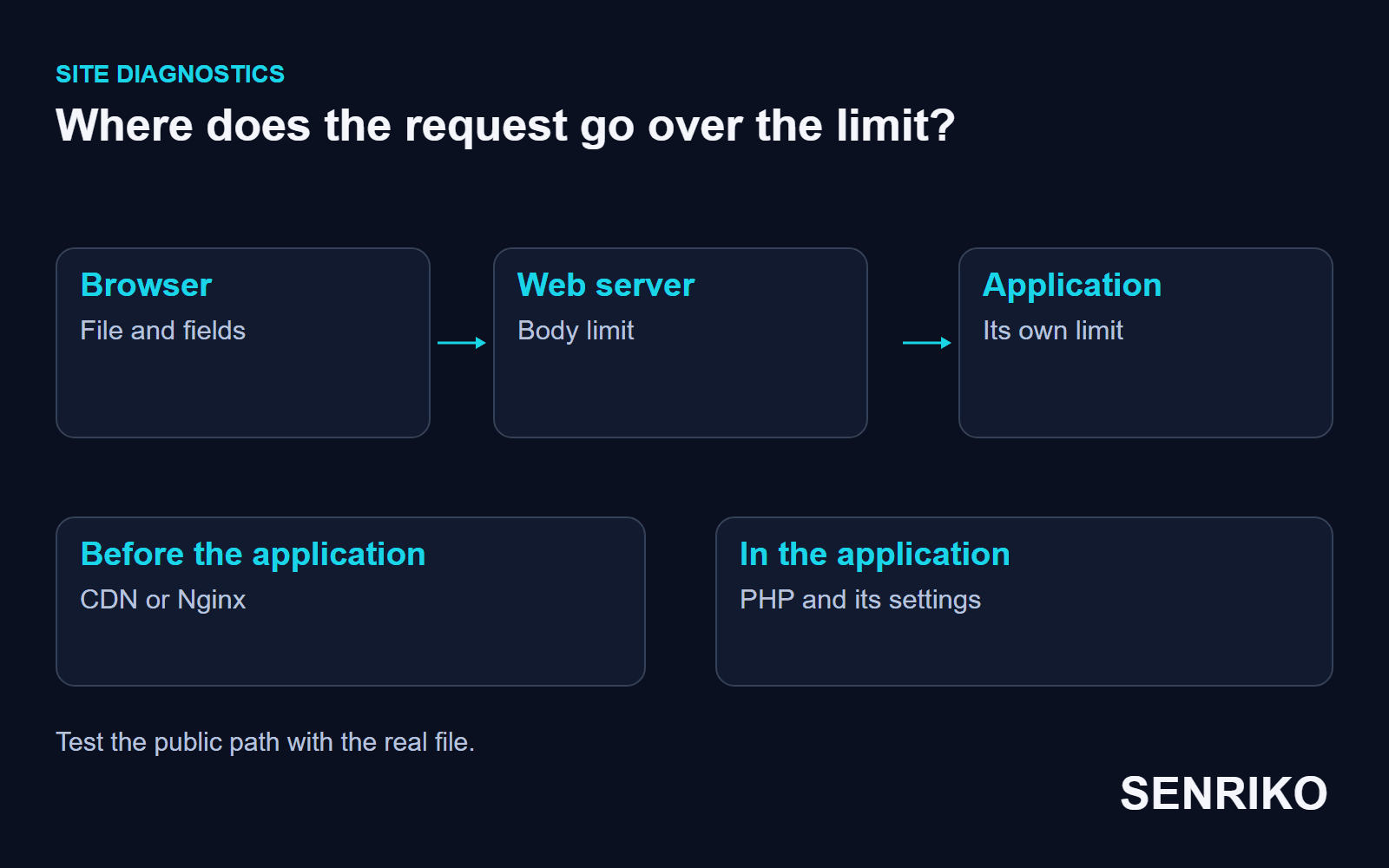
The visitor may not even see the 413. nginx’s own page warns that browsers cannot correctly display this error, so an upload can simply fail or the connection break. Open the actual answer in Network and match it with the entry node’s log, and give the developer the exact request together with the size of the test file.
Case: Nginx refused video previews in a shop’s admin
CaseAnonymous caseAn online shop’s admin behind Nginx
Nginx refused video previews in a shop’s admin
- What we saw
- The shop’s content managers could not upload new video previews for products through the admin.
- What we found
- In Nginx’s
error.logthe team found the messageclient intended to send too large body. The server used Nginx’s defaultclient_max_body_sizeof 1 MB. - What we did
- For this use the value was raised to
50Minnginx.conf. The whole job took five minutes.
- 1 MBNginx’s default limit
- 50Mthe new limit for the admin
- 5 minutesfor the whole job
The default of 1m is in nginx’s documentation as well. This admin needed 50M; another form picks its own value from the types and sizes of file it expects, and keeps a limit on the body.
Which limits do you change, and how do you line them up?
Change the limit the failed request actually hit. With several nodes in front of the application, line their values up: an earlier limit can refuse the request before the next one is ever checked.
In Nginx, client_max_body_size sets the upper bound of the body and can be set in http, server or location, so find which rule applies to the upload address. Setting it to 0 turns the check off; there is no need for unlimited uploads for one file. Choose a sensible limit for the material you expect and the server’s resources.
In PHP, match upload_max_filesize with the largest file you accept and post_max_size with the whole POST, which can carry several files and ordinary fields. Out of the box they are 2M and 8M. PHP’s manual also notes that when the POST is larger than post_max_size, $_POST and $_FILES simply arrive empty: PHP itself does not answer 413, so the application may report something vaguer.
If one file goes through but the same data with other attachments fails, compare the limit on the whole POST with the limit on a single file. PHP’s page on common pitfalls lists other conditions that can stop an upload after the web server.
After changing the configuration, repeat the request through the public address. A direct request to the application server tests only the last link, and you would miss a limit still standing on the CDN or the proxy.
If the CDN returned the 413, Nginx’s configuration does not change its limit. Cloudflare’s page on its 413 gives the maximum upload as 100 MB on the Free and Pro plans, 200 MB on Business and up to 5 GB on Enterprise, and suggests sending smaller chunks, a DNS-only record that bypasses Cloudflare, or a higher plan. Platforms change such limits, so check your own account’s current terms.
Case: an import ran into Cloudflare’s limit
CaseAnonymous caseA bulk import of redirects through Cloudflare
An import ran into Cloudflare’s limit
- What we saw
- A script that bulk-imported 301 redirects from a 150 MB CSV file kept failing with a 413. Raising
client_max_body_sizeon the server did not help. - What we found
- An upload around Cloudflare, through an entry in
/etc/hosts, went through: the limit was on the CDN. On Cloudflare’s free plan the upload size was capped at 100 MB. - What we did
- The team began zipping the CSV before uploading, which brought it to 12 MB, and added unpacking on the PHP side. Finding a way round without buying a paid plan took two hours.
- 150 MBthe CSV file
- 100 MBthe cap on Cloudflare’s free plan
- 12 MBthe same data zipped
- 2 hoursto find a way round
How do you check a real upload after the fix?
Upload the same file that failed, through the same form and the public address. Check not only that the 413 is gone but that the file arrived where it should, at the right size. Then test the limit you chose for users, and a clear message when it is exceeded.
If the fix was in an admin, repeat the test under the role that hit the refusal; if it was a customer’s form, test the customer’s page. A 200 from another page of the site does not prove an attachment uploads.
SENRIKO’s monitoring watches the availability of your public pages; it does not upload large files, so keep that test for yourself with an attachment of the right size. Pick the addresses to watch on the plans, and keep a separate upload test for your team.
Frequently asked questions about 413 Request Entity Too Large
What does 413 Request Entity Too Large mean?
How do I fix a 413 in Nginx?
I raised PHP’s limits and still get 413. Why?
Does Cloudflare limit upload size?
Why do small files work and big ones fail?
Why does the upload just fail without a 413 page?
Sources
- RFC 9110: HTTP Semantics (413 Content Too Large)IETF
- Module ngx_http_core_module: client_max_body_sizenginx
- Description of core php.ini directivesPHP manual
- Common pitfalls of file uploadsPHP manual
- Error 413Cloudflare Support
- Pricing and levels of checksSENRIKO