Contents
What is a hidden input, and why is your UTM field empty?
<input type="hidden" name="utm_source"> is a form field the visitor never sees. It is sent with the rest of the form and carries whatever value it holds at that moment. The browser does not put your UTM parameters into it: a script on the page, your tag manager or the form tool’s integration has to read the campaign and write it in.
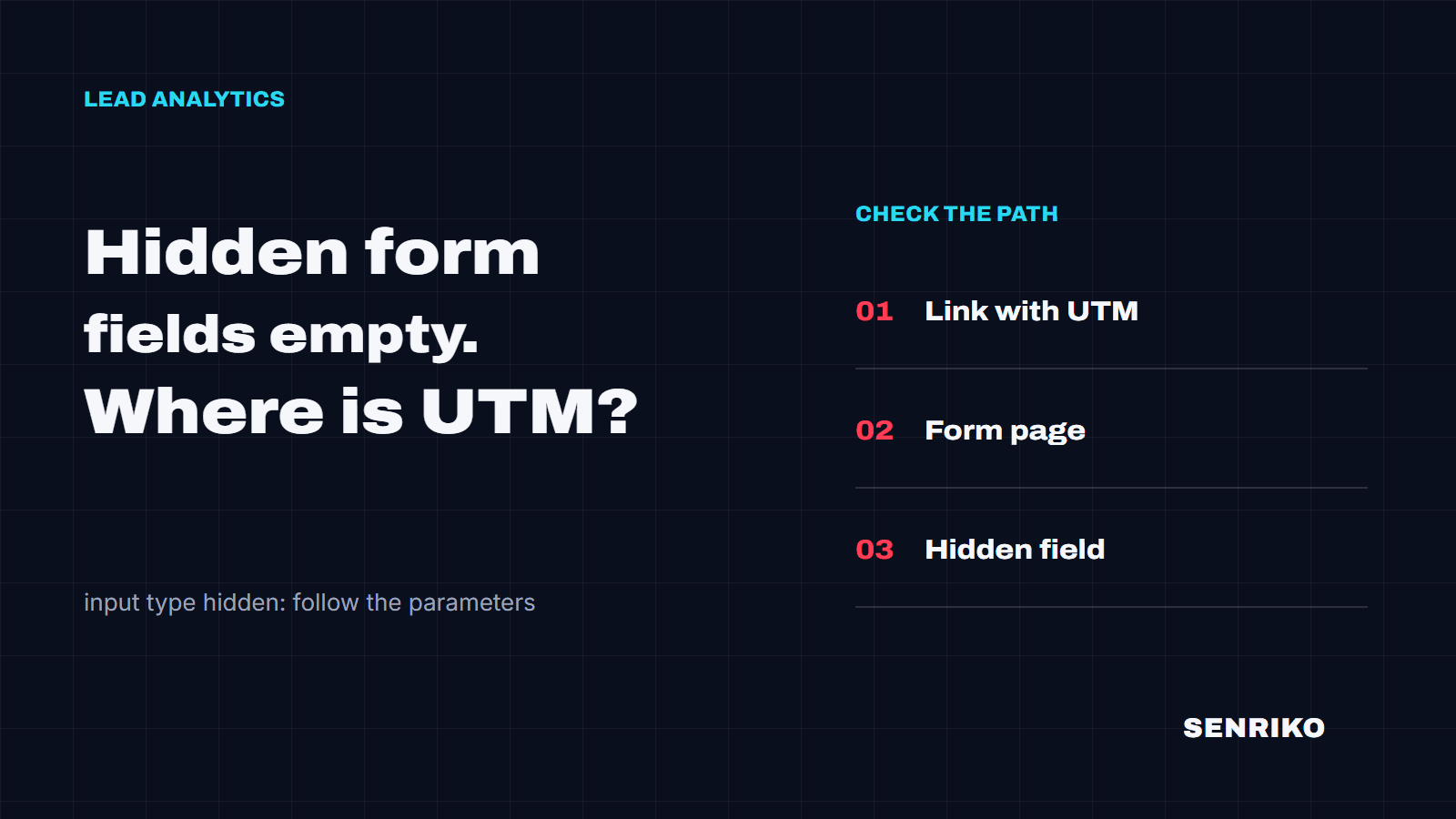
So the campaign has a path to travel: the ad link with its UTM parameters, somewhere the site keeps them, the page with the form, the hidden field, and the submission. An empty value means one link of that chain broke. Start from the link visitors actually arrive on.
- Ad linkwith UTM
- Kept on the site
- Form page
- Hidden field
- Submission
How do you check a hidden field?
Open the ad link and reach the form the way a customer does, through the same pages. Checking the form page on its own misses the most common loss: the one that happens when the visitor moves on.
Tag a test link
Add
utm_source=senriko-scan,utm_medium=senriko-checkandutm_campaign=senriko-attributionto the landing URL, or your own test values. On every page after it, look for the parameters in the address bar or in the browser’s storage, the Application tab in Chrome DevTools.Read the field
On the form page, list the hidden fields and their values. If the form sits in an iframe, note which domain it loads from and how it is meant to receive the campaign; pick that frame in the console’s JavaScript context drop-down before you run the line below.
[...document.querySelectorAll('input[type="hidden"]')]
  .map((field) => `${field.name} = ${field.value}`);
Send a test lead
If you can, submit a test lead. In the Network tab, open the form’s request and look at its payload, then find the lead in your CRM. Comparing the field, the request and the record shows where the value goes missing.
Note
Some form tools fill hidden fields only when the form is submitted, or on the server. An empty field before anyone presses the button is not, on its own, proof that the UTM parameters were lost.
Two cases from our team’s work
CaseAnonymous caseIndustrial ventilation
The form was on another page
- What we saw
- Ads sent visitors to the homepage of an industrial ventilation company, but they left their enquiry on an equipment page. Leads arrived in the CRM with empty UTM fields.
- What we found
- We followed the customer’s route and sent a test form. The script read the parameters from
window.location.searchonly at the moment of submission, and on the product page the original UTM parameters were no longer in the address. - What was done
- The campaign is now saved when the visitor lands from an ad, and the form on the next page reads it from storage. A fix like this needs its own lifetime and update rule:
localStoragekeeps data after the tab is closed.
CaseAnonymous caseSalon · promo page
The form was in a third-party iframe
- What we saw
- A salon’s promo page embedded a booking form from an outside service. The UTM parameters stayed in the landing page’s address, yet the test lead’s request carried empty
utm_sourceandutm_mediumfields. The Network tab showed it. - What we found
- The widget loaded from another domain, so its script could not read the parent page’s address directly.
- What was done
- We passed the campaign through URL parameters the iframe supports, and the form picked it up from its own URL. Check this approach against your widget’s documentation.
How do you fix empty UTM hidden fields?
If the campaign disappears after navigation, capture it on the first page and hand it to the form wherever the form is. Decide two things first: how long to keep it, and whether a later visit with a new campaign replaces it (last touch) or not (first touch).
const KEYS = ['utm_source', 'utm_medium', 'utm_campaign'];

// Every page: keep the campaign the visitor arrived with.
const params = new URLSearchParams(location.search);
if (KEYS.some((key) => params.has(key))) {
  const campaign = Object.fromEntries(KEYS.map((key) => [key, params.get(key) ?? '']));
  localStorage.setItem('campaign', JSON.stringify({ ...campaign, savedAt: Date.now() }));
}

// The form page: fill the hidden fields the form already has.
const saved = JSON.parse(localStorage.getItem('campaign') ?? '{}');
for (const key of KEYS) {
  const field = document.querySelector(`input[type="hidden"][name="${key}"]`);
  if (field && saved[key]) field.value = saved[key];
}
This keeps the last campaign; for first touch, write only when nothing is stored yet. savedAt is there so you can drop a campaign older than the lifetime you chose. If a script draws the form after the page loads, run the second half once the form appears, or use the form tool’s own way of setting a field.
Safari keeps it for seven days
WebKit deletes all of a site’s script-written storage, localStorage included, after seven days of Safari use without interaction on the site. If your leads take longer than that to convert, keep a copy on your server as well, with the session or the lead.
For a form in an iframe from another domain, use the method the vendor supports: many form and booking tools accept campaign values as parameters of the embed URL and keep them in hidden fields of their own. Then walk the customer’s route again and look at the test submission. Start looking for the break on the pages you can reach with the UTM Survival Test.
What does the UTM Survival Test see?
SENRIKO’s free UTM Survival Test opens the page in a real browser, follows server, script and meta redirects, and reads the form fields and browser storage it can reach. It uses the test values senriko-scan, senriko-check and senriko-attribution. If the form is on another page, the test opens that page directly; it does not replay a visitor’s route through the menu.
It does not fill in or send the form, accept a cookie banner, or check gclid, fbclid, msclkid or delivery to your CRM, and the inside of a third-party iframe may be out of its reach. An empty field in its report is the field as it was when the test looked. Checking the submission and what happens after it takes monitoring on a site whose ownership you have verified.
Why are my UTM hidden fields empty?
Should I keep UTM parameters in a cookie or in localStorage?
Can a form in an iframe read the parent page’s UTM parameters?
Does an empty hidden field before submit mean the UTM parameters are lost?
Does the UTM Survival Test send the form or check gclid?
Sources
- <input type="hidden">MDN Web Docs
- Web Storage APIMDN Web Docs
- HTMLFormElement: formdata eventMDN Web Docs
- Same-origin policyMDN Web Docs
- Full Third-Party Cookie Blocking and MoreWebKit blog
- Using dynamic populationGravity Forms documentation